 By
By
Seedr offers a convenient way to download files from torrent and magnet links, but are there better alternatives to Seedr.cc?

Disclaimer: This material has been developed strictly for informational purposes. It does not constitute endorsement of any activities (including illegal activities), products or services. You are solely responsible for complying with the applicable laws, including intellectual property laws, when using our services or relying on any information herein. We do not accept any liability for damage arising from the use of our services or information contained herein in any manner whatsoever, except where explicitly required by law.
Table of Content
- What is Seedr.cc?
- Top 10 Seedr.cc Alternatives
- RapidSeedbox
- Maintaining a Healthy Ratio
- Real Media Streaming
- Pricing
- ZBigZ
- TorrentSafe
- Bitport
- FileStream
- Real-Debrid
- Transfercloud
- Offcloud
- SonicBit
- Put.io
- RapidSeedbox
- Conclusion
Seedr.cc Alternatives – Comparison Table
| Alternative | Type | Free Tier? | Max Free Space | Streaming | Private Trackers |
|---|---|---|---|---|---|
| ZbigZ | Cloud | ✅ | Moderate | Limited | ❌ |
| TorrentSafe | Cloud | ✅ | Small | No | ❌ |
| Bitport | Cloud | ⚠️ | Small | Yes | Some |
| Put.io | Cloud | ❌ | — | Yes | ❌ |
| Offcloud | Multi-host | ⚠️ | Medium | Yes | ❌ |
| Debrid-Link | Cloud/Free | ✅ | Medium | Limited | ❌ |
| AnyDebrid | Multi-host | ⚠️ | High | Yes | ❌ |
| Premiumize.me | Premium | ❌ | Large | Yes | Yes |
| RapidSeedbox | Dedicated Seedbox | ❌ | Large | Yes | ✅ |
What is Seedr.cc?

Seedr (Seedr.cc) is a website you can use to download and stream files effortlessly. Its killer feature is that it allows you to paste a link to a torrent file and have the files immediately available for direct download. You don’t even need to have a torrent client installed on your computer.
Seedr Features
Seedr has several features that have made it popular. You can:
- Upload your own files to your Seedr online storage space
- Paste torrent or magnet links for them to be downloaded to your online storage
- Stream media files directly from your Seedr space
- Easily add files you find online to your Seedr space using the Seedr Chrome extension
- Use Seedr for free with a limited account
Seedr’s Limitations
Sounds great, so why might you look for a Seedr.cc alternative?
Well, for one, Seedr’s free account is severely limited. You only get a tiny 2 GB of storage space, which isn’t even enough to store a single movie at a reasonable bit rate. There’s no support for private trackers on the free account, no FTP support, and you can’t stream media in HD.
So, most people looking to use Seedr for any serious use will require a paid account. How much will that set you back?
How Much Does Seedr Cost?
| Plan | Free | Basic | Pro | Master |
| Price | Free | $6.95/month | $9.95/month | $19.95/month |
| Storage | 2 GB | 30 GB | 100 GB | 1024 GB |
| Concurrent links | 1 | 2 | 5 | 25 |
| Ratio | 0:1 | 1:1 or 12 hours | 2:1 or 24 hours | 5:1 or 5 days |
| HD Streaming | No | Yes | Yes | Yes |
| Private Tracker? | No | No | Yes | Yes |
| FTP | No | No | Yes | Yes |
The most basic paid Seedr account costs $6.95/month, supports HD media streaming, and gives you 30 GB of space to play with. The sweet spot is perhaps the $9.95/month Pro plan, which includes 100 GB of space and allows you to use private trackers. The Master plan offers much more storage at 1024 GB and ensures your torrents will remain seeding for longer, but it comes at the hefty price of $19.95/month.
This relatively high pricing leads many to search for alternatives to Seedr.cc. So, we’ve put together our top 10 list of current Seedr alternatives, highlighting their pros and cons.
Spoiler: we think a robust seedbox solution from RapidSeedbox trumps the competition here, but allow us to prove it.
Top 10 Seedr.cc Alternatives
1.RapidSeedbox
Pros
- Seed torrents indefinitely
- Huge space for files
- High-quality streaming apps
Cons
- Marginally more complex for those new to torrenting
Sites like Seedr are essentially simple seedboxes but with most of the features stripped out. RapidSeedbox offers everything Seedr can do and much more. For example, a seedbox allows you to paste a torrent’s URL magnet links into a torrent client’s web-based UI. Once the file has been downloaded to the seedbox, you can choose to download it through your web browser.
Maintaining a Healthy Ratio
Many of the best torrent trackers online require you to maintain a healthy ratio of how much data you upload in comparison to how much you download. Services like Seedr (and most of the options on our list) don’t keep seeding your downloaded torrents for long, causing your ratio to plummet. This will typically result in you being automatically banned from the torrent tracker for being a “leech.”
Choosing a dedicated seedbox service like RapidSeedbox means your downloads will continue to seed at a blistering fast speed, so your ratio will continue to go up no matter how much you download.
Real Media Streaming
Seedr and all the options on our list offer the most rudimentary media streaming of files through your web browser. In many cases, this doesn’t work at all, as the media files you’ve downloaded using a codec the basic media player can’t handle.
If you choose RapidSeedbox, you have the option of several industry-leading media streaming apps, including Plex, Kodi, Subsonic, and PlexPy. With these apps, you can have a fully-featured media library streaming from your seedbox to anywhere in the world, viewable on your computer, phone, or TV.
Pricing
Though there are many other advantages of using a seedbox service over a basic service like Seedr (e.g., advanced automatic downloading, support for newsgroups, better file management), the final thing we want to mention here is pricing.
Seedr’s Master plan costs $19.99 per month for 1 TB of storage. RapidSeedbox offers the same amount of storage from just $7/month while offering a whole host of extra features. It’s a no-brainer.
2.ZBigZ

Pros
- Paid accounts offer unlimited space
- Send files directly to Google Drive
- Simple pricing plan
Cons
- Basic service
- Dated interface
ZBigZ follows a similar formula to Seedr, allowing you to download and stream content from torrents simply by pasting the URL. Registered free users can store up to 2 files, but the maximum size of these files in total is just 1 GB, and your download speed is limited to 150 KBps.
Premium (paid) accounts see all limitations lifted, allowing for unlimited speeds and as many files as you like. Files are also not removed from the storage automatically. Paid accounts can automatically upload content to Google Drive.
ZBigZ Premium costs $9.99/month, with discounts for paying several months in advance. While it doesn’t have apps for mobile or the ability to load files from media streaming sites, its core functionality makes it a reasonable replacement for Seedr.
3. TorrentSafe
Pros
- Easy to use
- No limit on the number of files on free accounts
Cons
- Slow download speeds
- Media player compatibility issues
- Free accounts limited to 1 GB file size
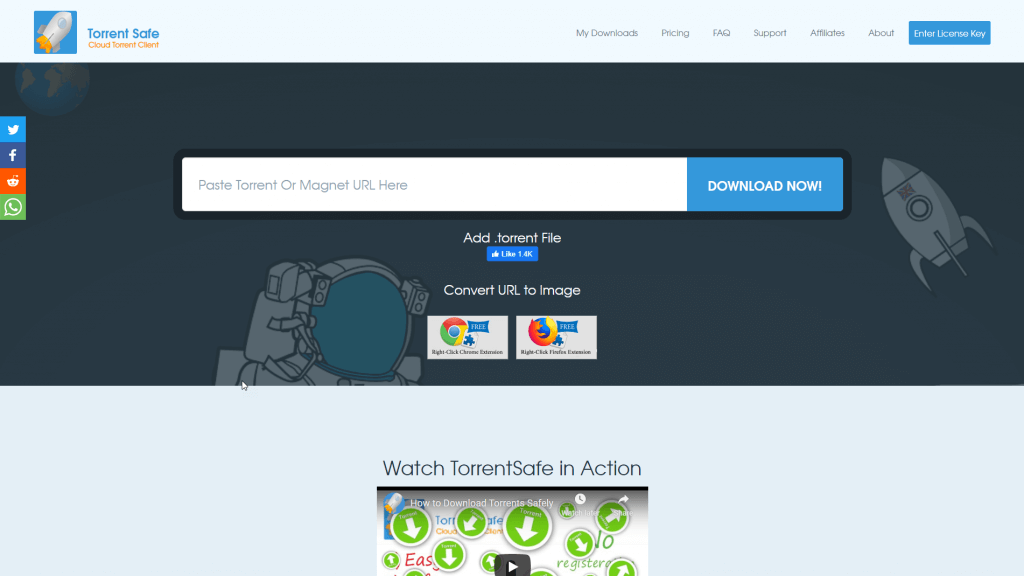
TorrentSafe is a simple alternative to Seedr, performing the same duty of serving up files downloaded from a torrent or magnet file. Free accounts can download files up to 1 GB in size, and there’s no limit on the number of files you can download.
Paid accounts cost $4.99/month, with significant discounts for paying a year or two in advance. TorrentSafe’s Achilles’ heel is speed. It took over 15 minutes to download our small test file that had thousands of seeders. We also found TorrentSafe’s media player struggled to play several popular media formats, requiring us to download the files and play them locally instead.
4. Bitport
Pros
- Simple interface
- RSS downloader
Cons
- Free account limited to 1 torrent per day
- A media player can’t play many popular formats
Bitport is a basic Seedr alternative, with support for torrent and magnet files only. Bitport’s free plan includes only 1 GB of storage, 1 download slot, and 1 torrent per day.
A premium Big account ($15/month) bumps this to 250 GB of cloud storage, 20 download slots, unlimited torrents per day, and unlimited download speeds. A paid account also gains you access to an RSS downloader. Smaller options exist, too, if you don’t need much space: you can get 30 GB of space for $5/month and 100 GB of space for 100 GB.
Bitport’s speeds are fine, but the online media player did struggle with some basic file types in our testing. We recommend Bitport’s $5/month plan for those who only occasionally need to use its service.
Looking for the best alternatives to Seedr.cc?
Whichever service is the best fit for you, consider enhancing your torrenting experience with RapidSeedbox’s high-speed seedboxes. Enjoy faster downloads, greater privacy, seamless integration, and exceptional support.
5. FileStream
Pros
- Private tracker support on all plans
- Support for over 500 media streaming sites
- Android app
Cons
- Extremely limited file sizes
- Slow speeds
- Files are always deleted after several days
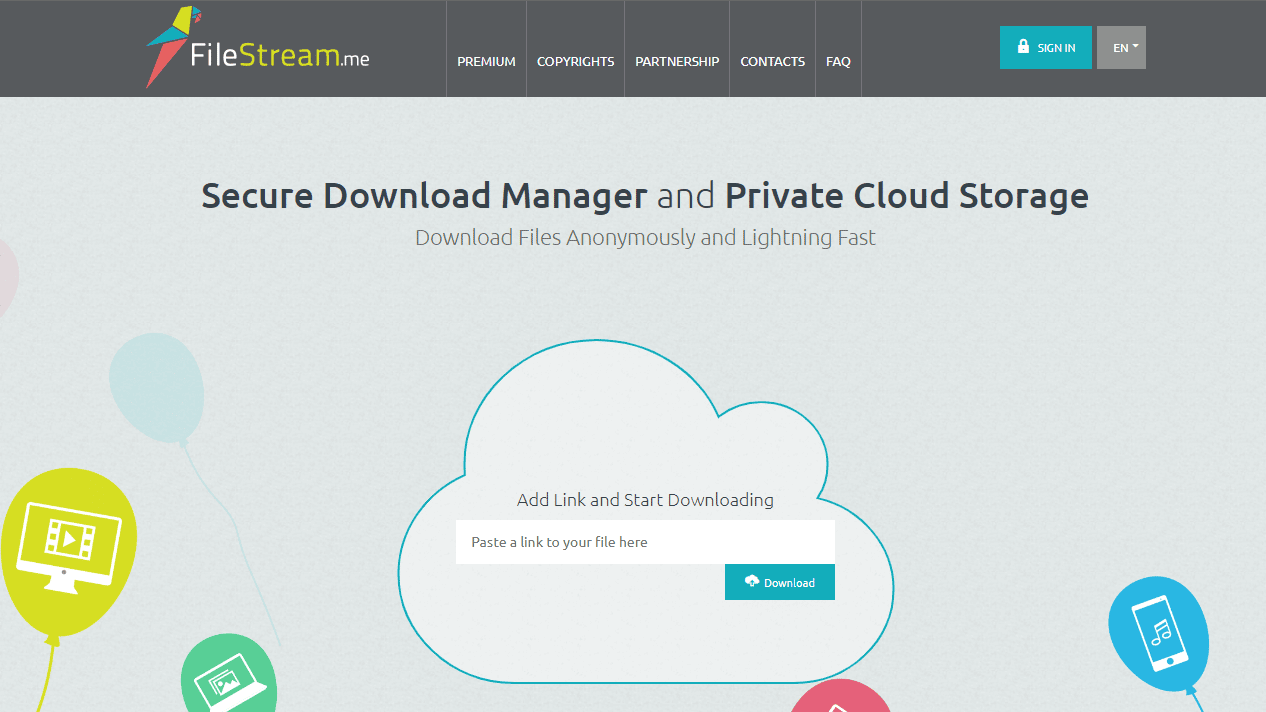
FileStream operates similarly to Seedr in that you can paste a torrent, magnet, or file URL into the text box, and the site will fetch the file to your online storage so you can download or stream it.
All plans support private trackers, and there’s a good list of premium sites that work out of the box with Filestream (e.g., Uptobox, DepositFiles, MediaFire, Rapidgator, YouTube).
Unlike Seedr, FileStream offers a free app for Android you can use to access, manage, and stream your files from your mobile device.
However, FileStream’s free service, while offering 200 GB of space, has a tiny 50 MB max file size, making it largely useless. Plans start at $3.50/month, but they’re also very limited.
The first plan for serious consideration is the Silver plan, at $6.50/month. With this, you get 1 TB of storage space and a max file size of 35 GB. Unfortunately, files are only stored for 15 days, again limiting what you can practically achieve with the service.
In our testing, we found FileStream to be particularly slow. Granted, this was only on the free account, which only supports 2 parallel downloads, but we only managed an average speed of 419 Kbps.
6. Real-Debrid
Real-Debrid is another option to consider instead of Seedr.cc.

Pros
- Supports multiple file hosts
- High-speed downloads
- Affordable pricing plans
Cons
- No free plan is available
- The interface can be tricky for beginners
- Limited streaming features compared to Seedr.cc
I’ve been using Real-Debrid as an alternative to Seedr.cc, and it brings some interesting features to the table. Real-Debrid is a multi-hosting service that provides premium access to a wide range of file-hosting sites. This means you can download files at high speeds without the usual wait times or speed limitations you might face with free accounts.
One thing to note is that Real-Debrid does not offer a free plan. If you’re hoping to try it out without any commitment, this might be a drawback. However, their pricing is quite affordable, starting at €3 (about $3.50) for 15 days. This makes it easy to try out the service without a long-term commitment.
On the other hand, I found the interface a bit confusing at first. It took me a while to get used to how everything worked. If you’re new to multi-host services, you may need a little patience to navigate the platform effectively. Also, while Real-Debrid offers streaming capabilities, it doesn’t integrate with media players as smoothly as Seedr.cc.
Pricing Plans:
- 15 Days: €3
- 30 Days: €4
- 90 Days: €9
- 180 Days: €16
All plans come with the same features, including unlimited download speeds and access to all supported hosts.
In conclusion, if you’re looking for a Seedr.cc alternative that offers high-speed downloads from multiple file hosting services, Real-Debrid is definitely worth checking out. It offers affordable plans and can handle large downloads efficiently, making it a solid choice for power users.
7. Transfercloud

Pros
- Easily transfer downloaded files to your own cloud storage
- No file expiry on paid plans
Cons
- No media streaming or additional apps
- Expensive to use for storage
Transfercloud is a cloud storage solution that includes the ability to download torrents to your online space, much like Seedr. It’s designed more as a transferring tool than permanent storage, though. You can automatically transfer the downloaded files to your own cloud storage, such as OneDrive, Amazon Cloud, Google Drive, and Dropbox.
The free account offers 1.5 GB of cache space, and you can use it to download using torrent files, magnets, website links, video URLs, and your own cloud drive.
For $4.99/month, you get 50 GB of space and 1 concurrent download. The $9.99/month plan included 100 GB of space and 5 concurrent downloads, and the $15.99/month plan bumps this to 250 GB of space and 10 concurrent downloads. Discounts are available for paying annually, and it’s possible to upgrade your space quotas by paying $10.90/terabyte.
Transfercloud might fill a niche for you if you often need to transfer files between cloud providers as well as download files from torrent and magnet files. Otherwise, it’s lacking some of Seedr’s core features such as media streaming.
8. Offcloud

Pros
- Wide support for file types
- Download full speed from premium file-sharing sites
- Integrates with several third-party apps
Cons
- Requires a third-party cloud hosting service
- More complex setup than Seedr
Offcloud is a more fully-featured alternative to Seedr.cc, with support for http, ftp, nzb, torrent, and magnet files. You can also download files from hundreds of premium file-sharing sites.
However, to use most of the features, you’ll need to link your own cloud hosting service. Options include Google Drive, Dropbox, Amazon S3, and OneDrive.
Offcloud costs $9.99/month, with a discount for paying years in advance. Because it’s more of a transfer service between online file sources and your own storage, some might find this price a little steep.
Offcloud could be a good option for those who regularly want to download from premium file hosting sites, though, as you can use it to download from hundreds of such sites at full speed without buying a premium account on each.
9. SonicBit

Pros
- 4 GB of space on free accounts
- Stream videos from your storage
- Transfer files automatically to other cloud storage
Cons
- Spotty service and speeds
- Slow interface
- Expensive on higher-tier plans
SonicBit offers the ability to download files using torrent and magnet files just like Seedr, but it includes 4 GB of space on free accounts. You can also transfer files automatically to your own cloud storage and stream downloaded videos directly from the website interface.
Paid accounts range from $2.15/month for 20 GB of storage to $14/95 for 500 GB of storage. So, it could be a good choice if you only need a very small amount of storage.
However, SonicBit suffers from several bugs that make it hard to recommend. In testing, we found heavily-seeded torrents wouldn’t download to SonicBit at all and the website interface to be painfully slow.
10. Put.io
Pros
- Several apps
- RSS automation
- Money-back guarantee
Cons
- No free plan
- Storage space is expensive
- Seeding stops after several days
Put.io is one of the slicker options on our list, though its main purpose remains the same. You can paste torrent links into the interface to automatically download them to your put.io storage. It also supports some nice features you’ll find in traditional torrent clients like RSS automation. There are apps for Put.io apps for iOS, Android, and some smart TVs so you can stream your content directly.
Unlike all the above options, though, Put.io doesn’t have a free plan. You can try it out for a day for $0.99, but 100 GB of storage costs $9.99/month. 1 TB costs $19.99/month, and 10 TB costs $49.99/month.
Looking for the best alternatives to Seedr.cc?
Whichever service is the best fit for you, consider enhancing your torrenting experience with RapidSeedbox’s high-speed seedboxes. Enjoy faster downloads, greater privacy, seamless integration, and exceptional support.
Seedr.cc Alternatives – Frequently Asked Questions
The strongest free Seedr.cc alternatives are ZbigZ and TorrentSafe, as both allow instant torrent downloading without installing a client, but their free tiers limit file size and storage compared to Seedr’s 2-10GB entry offer.
Among Seedr.cc alternatives, Offcloud and Debrid-Link are known for up to 10GB free plans, giving you more breathing room for larger torrents, while services such as Bitport provide only small starter quotas.
Yes, premium alternatives to Seedr.cc including Put.io, Bitport, and Webtor.io focus on browser streaming, so you can watch movies directly after the torrent finishes instead of downloading them locally.
Most cloud sites like Seedr block private trackers, so a real seedbox provider such as RapidSeedbox or similar dedicated boxes is the reliable path if you need ratio building, stable seeding sessions, and real BitTorrent client control.
The safest Seedr.cc alternatives are dedicated seedboxes combined with a VPN, since they give you an isolated IP, controlled access patterns, and no personal device exposure.
Cloud services like Seedr rarely allow very large 4K files on free plans; you’ll need premium alternatives or a seedbox for consistent high-quality media downloads.
Conclusion
Several alternatives to Seedr.cc exist, though they don’t always remain around for long (remember Boxopus, Cloudload, or PutDrive, anyone?)
Overall, if you’re looking for a robust Seedr alternative, a user-friendly seedbox like RapidSeedbox is undoubtedly the best option, as it’s more affordable while offering many more features than the competition.
 English
  Français
  Español
  Tiếng Việt
  简体中文
简体中文  Русский
  Türkçe
  Bahasa Indonesia
  日本語
日本語  العربية
  Português
  Українська
0Comments