 By
By
WooCommerce looks simple. It isn’t. Every store is different, and that’s where scraping pipelines start to fail. Read on to learn how ecommerce and pricing teams can reliably collect public WooCommerce product data without silent gaps, broken pagination, or misleading price feeds.
Table of Contents
- WooCommerce Product Data Is Everywhere – and Never the Same Twice
- Why WooCommerce Sites Are Hard to Scrape at Scale
- How to Scrape WooCommerce Products Safely and at Scale
- What Reliable WooCommerce Product Data Means for the Business
- Why companies choose RapidSeedbox for WooCommerce scraping
- FAQs
WooCommerce Product Data Is Everywhere – and Never the Same Twice
WooCommerce powers millions of stores, ranging from small, niche shops to global brands. For pricing teams, product analysts, and market researchers, that means one thing – a massive, fragmented data set.
When WooCommerce scraping is successful, teams gain insight into:
- Competitor pricing and discounts
- Product assortment changes
- Stock availability signals
- Variant strategies (size, color, bundles)
- Category expansion trends
- Regional pricing differences
- New product launches
However, teams often find that WooCommerce scraping breaks more frequently than expected. Common issues include:
- One scraper working on 10 stores, failing on the 11th
- Prices loading via JS on some themes, not others
- Pagination behaving differently per site
- Stock indicators missing or delayed
- Currency switching by IP
- Plugin conflicts altering markup
- Aggressive rate limits on some hosts
The challenge isn’t WooCommerce itself, but rather the variability between stores.
Why WooCommerce Sites Are Hard to Scrape at Scale
WooCommerce is flexible by design. This flexibility makes scraping difficult.
Each store can differ in:
- Theme structure
- Plugin stack
- Caching layer (Cloudflare, LiteSpeed, Varnish)
- CDN behavior
- Anti-bot plugins
- Hosting provider limits
- JavaScript usage
- Custom product fields
In addition, many WooCommerce stores implement the following:
- Soft rate limiting
- IP-based throttling
- Geo-based pricing
- Session-based stock display
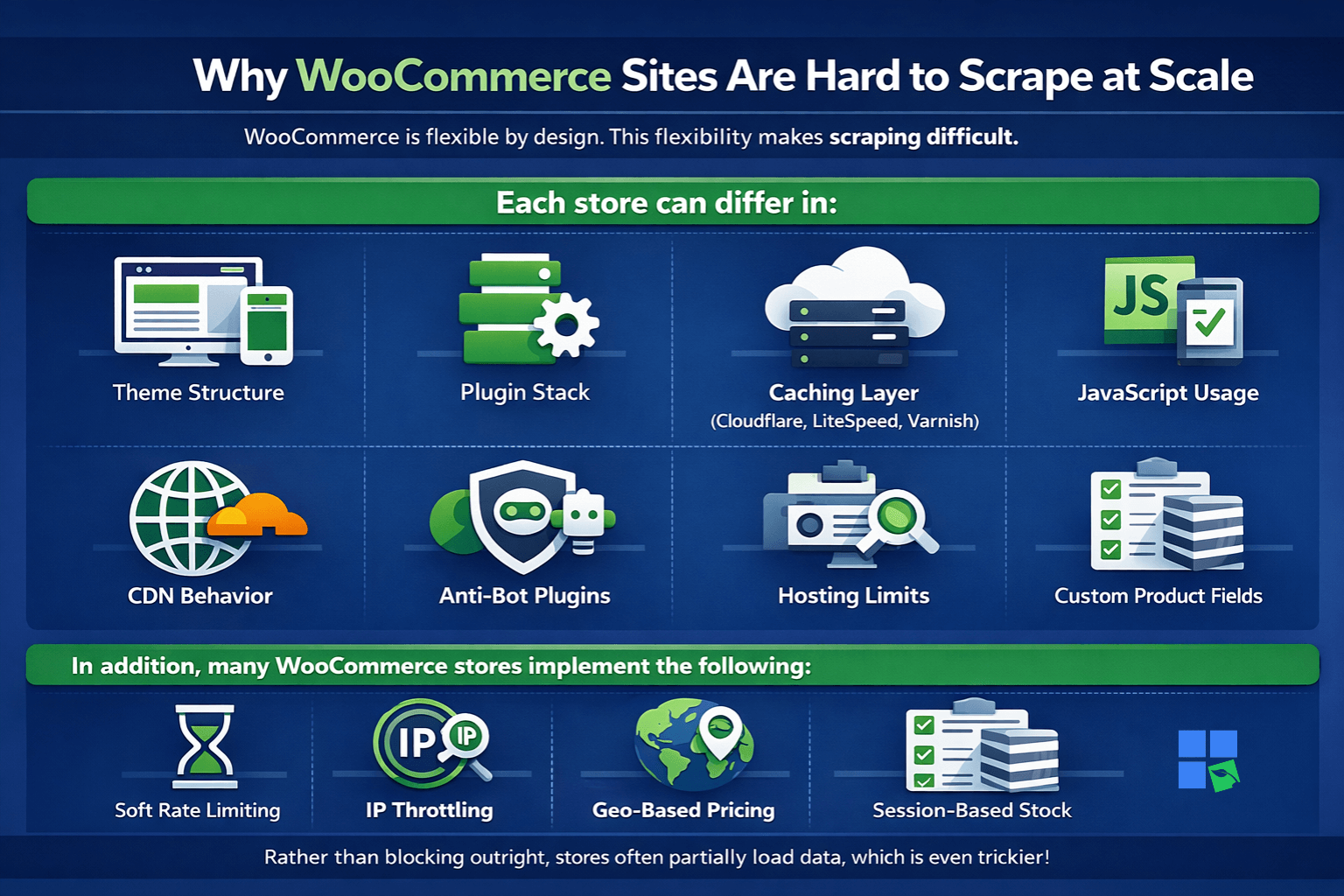
Rather than blocking outright, stores often partially load data, which is even more dangerous than a hard error. While your scraper “works,” the dataset is incomplete.
How to Scrape WooCommerce Products Safely and at Scale
To reliably scrape WooCommerce products, use residential proxies with stable sessions and real-browser rendering for dynamic themes. Also, use conservative request pacing. Only extract publicly visible product fields, and monitor for store-specific failures caused by caching, plugins, or differences in pagination.
1. Use Residential Proxies to Handle Store-Specific Defenses
WooCommerce stores benefit from the protections offered by hosting providers and CDNs.
Residential proxies help by:
- Reducing IP-based throttling
- Blending into real shopper traffic
- Avoiding shared datacenter blocklists
- Handling geo-based pricing logic
- Supporting longer sessions per store
One critical rule for WooCommerce is to use only one IP address per store during a crawl. Changing IP addresses during a session often causes product counts or stock status to change.
2. Render Product Pages with a Real Browser
Many WooCommerce themes dynamically load prices, stock, and variants.
Static requests often miss:
- Sale prices
- Variant pricing
- Stock indicators
- Lazy-loaded images
- Custom fields
- Review widgets
Use either Playwright or Puppeteer to capture the entire product card.
|
1 2 3 4 5 6 7 8 9 10 |
from playwright.sync_api import sync_playwright with sync_playwright() as p: browser = p.chromium.launch(headless=False) page = browser.new_page() page.goto("https://example-store.com/product/sample") page.wait_for_timeout(3000) html = page.content() browser.close() |
This guarantees that your dataset aligns with the experiences of actual buyers.
3. Treat Each Store as Its Own Environment
This is where many pipelines fail.
Best practice:
- Reset expectations per domain
- Validate selectors store-by-store
- Detect theme patterns early
- Limit category depth per run
- Avoid assuming consistent pagination
- Log failures at the store level, not globally
A WooCommerce scraper should behave more like a site-adaptive system. It shouldn’t behave like a one-size-fits-all crawler.
4. Collect Only Public WooCommerce Product Fields
In order to remain compliant and sustainable, only scrape data that is visible without logging in.
Public fields generally include:
- Product name
- Price (regular/sale if public)
- Currency
- Product URL
- Images (public URLs)
- Short and long descriptions
- Category
- Tags
- SKU (if public)
- Stock status (if visible)
- Ratings and review count
Avoid:
- Customer data
- Checkout APIs
- Hidden inventory endpoints
- Admin-only fields
- Account-gated pricing
Public-only scraping is a strategy that will safeguard your pipeline in the long term.
5. Monitor Store-Level Failures, Not Just Errors
WooCommerce scraping rarely fails in a way that’s easy to detect.
Monitor for:
- Sudden drops in product counts
- Missing prices on specific stores
- Stock fields disappearing
- Pagination stopping early
- Category loops
- Image placeholders instead of URLs
- Currency inconsistencies
- Latency spikes (often precede throttling)
If one store fails, isolate it. Don’t assume a global failure, since that’s how clean data becomes noisy.
What Reliable WooCommerce Product Data Means for the Business
Teams stop guessing when WooCommerce scraping is stable.
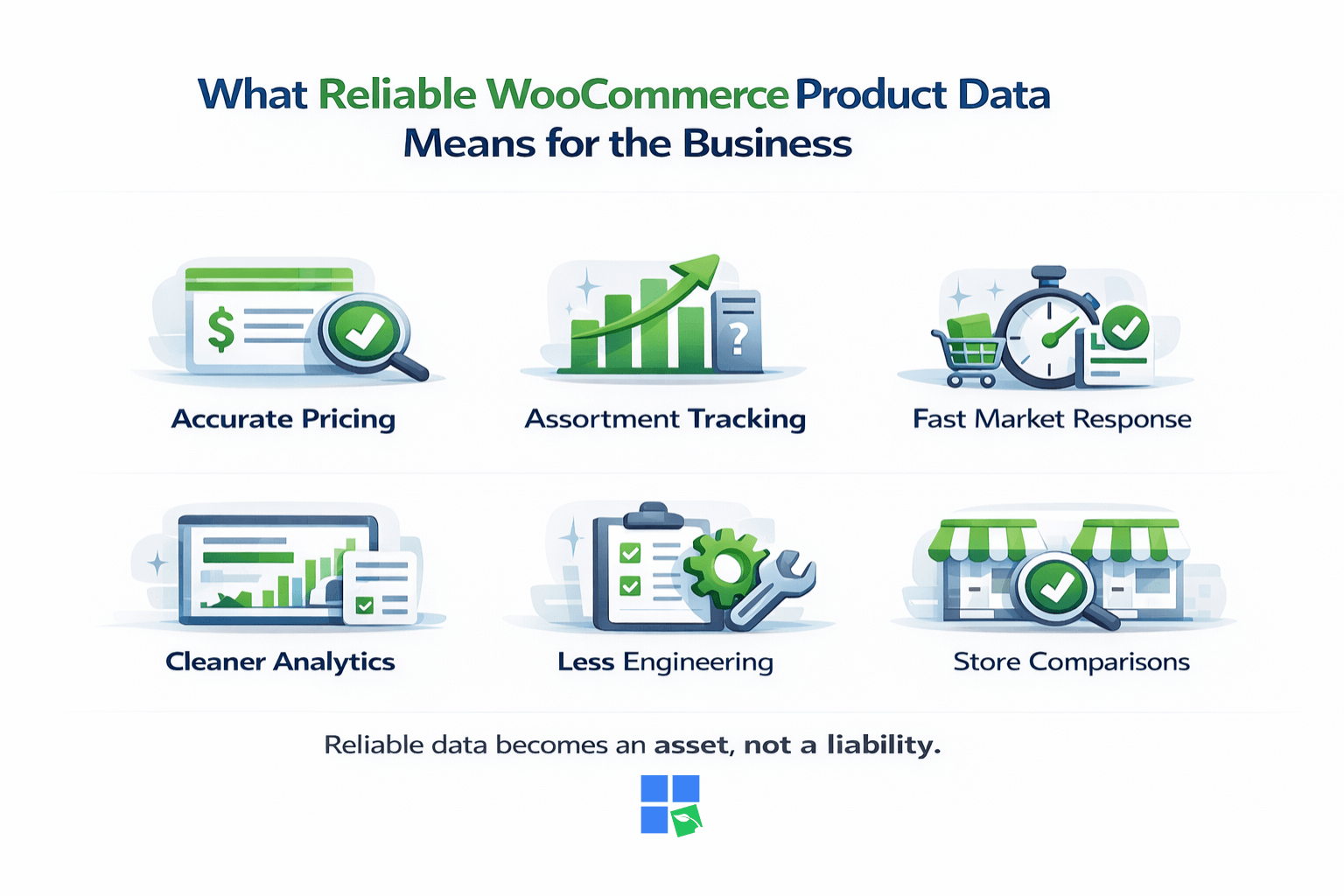
Accurate Competitive Pricing
See real prices, not partial or cached ones.
Better Assortment Intelligence
Track what competitors add, remove, or promote.
Faster Market Response
React to sales and stock changes before they disappear.
Cleaner Analytics Models
Consistent inputs prevent pricing and demand drift.
Lower Engineering Overhead
Fewer broken stores mean fewer emergency fixes.
Cross-Store Comparisons
Compare dozens or hundreds of WooCommerce stores fairly.
With WooCommerce, your data becomes an asset, not a liability.
Why companies choose RapidSeedbox for WooCommerce scraping
Teams that scrape WooCommerce products often come away frustrated. Technically, their scrapers “work,” but the numbers don’t align between stores or runs. RapidSeedbox changes that by stabilizing the access layer. Residential IPs reduce store-level throttling, and consistent sessions help maintain product visibility during category crawls.
Decision makers also appreciate flexibility. You can test a few stores to confirm that prices, variants, and stock align, and then expand to hundreds of domains without changing your tools. When individual stores behave differently, as they always do, having responsive technical support shortens the time needed for investigation and keeps reporting schedules intact.
Ready to Scrape WooCommerce Products Without the Guesswork?
If your pricing, research, or ecommerce intelligence workflows rely on WooCommerce data, unreliable scraping will cost you more than it saves. RapidSeedbox provides the network stability and regional accuracy necessary for collecting public WooCommerce product data on a large scale.
FAQs
You may collect publicly visible product data, but must follow each site’s Terms and applicable laws.
Themes, plugins, hosting, and CDN behavior vary widely between stores.
Residential proxies with stable, per-store sessions.
For pricing intelligence, check daily. More frequent checks may result in throttling on smaller hosts.
Missing prices, stock fields, or pagination are common early signals.
Disclaimer: This content is for educational purposes only. RapidSeedbox does not encourage violating any website’s Terms of Service. Users are responsible for ensuring compliance with all applicable laws and policies.
0Comments