 By
By
💨 Slow proxies? Upgrade now! 🤔 Get 25% OFF RapidSeedbox! Fast, reliable proxies for streaming & scraping.
You might be thinking about a bright data proxy alternative if you’re looking for something simpler or more budget-friendly. I’ve tried a lot of proxy services for scraping and online privacy. Let me show you my top picks and compare them to Bright Data. You’ll see how they compare in daily use, support, and overall cost.
Table of Contents
- Best Bright Data Proxy Alternatives
- Migration Checklist: How to Switch from Bright Data to a New Provider
- FAQ
- Summary – How to Pick a Bright Data Proxy Alternative
1. Best Bright Data Proxy Alternatives
a. Rapidseedbox
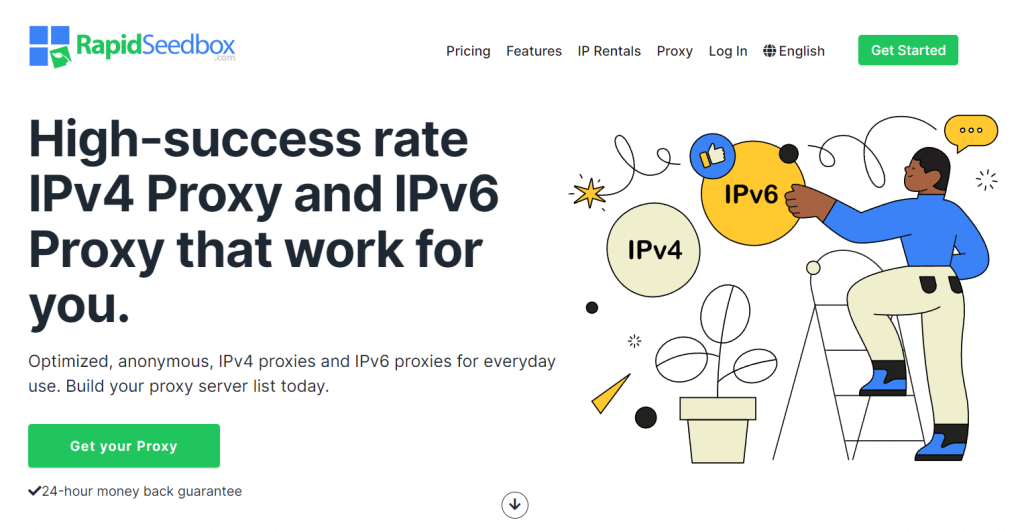
I’m using Rapidseedbox to gather information from different sites while keeping my IP hidden. It felt straightforward from the moment I logged in. I set everything up without hassle. Their dashboard made proxy creation simple, so I didn’t feel lost.
Pricing is friendlier than Bright Data, which was a big plus for me. Bright Data is known for advanced features, but sometimes I just wanted easy proxy settings at a smaller cost.
With Rapidseedbox, you can easily handle scraping tasks. The speeds are great, so your data collection won’t face any challenges. Bright Data might handle higher loads, but if you’re not scraping thousands of pages daily, Rapidseedbox hits the sweet spot.
The biggest difference is the learning curve: Bright Data feels more corporate, while Rapidseedbox aims for a friendlier environment. From my experience, it’s a solid choice if you’re on a budget and still need stable performance.
Pros and Cons
| Pros | Cons |
|---|---|
| Easy setup | Fewer advanced features than Bright Data |
| Live chat that helps you quickly | Smaller IP network compared to Bright Data |
| Predictable billing for simpler budgeting |
Looking for a reliable alternative to Bright Data Proxies?
Try Rapidseedbox’s Datacenter Proxies for fast, reliable, and scalable proxy solutions. Enjoy seamless web scraping, secure browsing, and unmatched uptime. Switch to a solution trusted by professionals worldwide!
b. ProxyEmpire
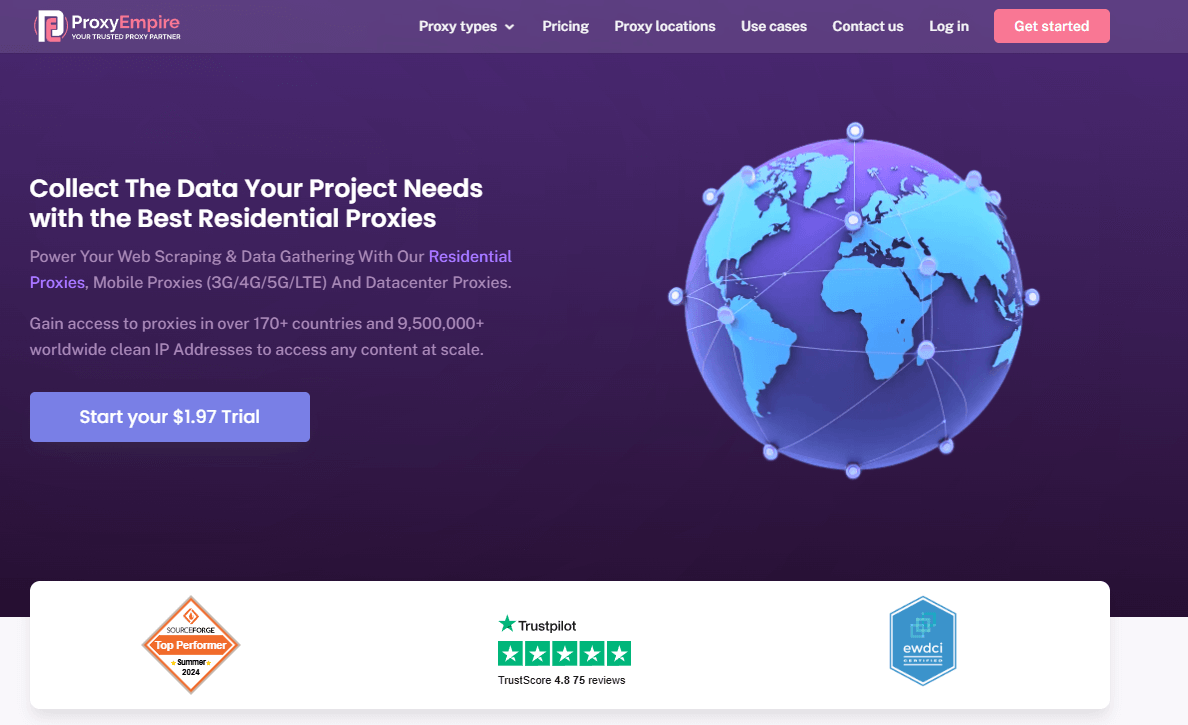
I tested ProxyEmpire because I wanted something that had a good balance of features and ease of use. It’s made for small to medium-sized scrapers, which is something Bright Data also offers, but at a different price point.
While Bright Data has a wider range of IPs (including new mobile IPs they launched recently), ProxyEmpire is better for stable connections, especially for typical scraping or brand protection tasks.
It’s fast enough for daily checks, but it might not be enough for large-scale enterprise-level scraping. I like that ProxyEmpire helps you figure out how many proxies you’ll need based on your tasks, which reduces guesswork.
If you want something that’s ready to go right away, you might like ProxyEmpire more than Bright Data’s more feature-rich options. When it comes to price, it’s more budget-friendly than Bright Data, especially if you’re not working on huge projects, but keep an eye on your plan limits.
Pros and Cons
| Pros | Cons |
|---|---|
| Easy to use dashboard | Lacks specialized enterprise features |
| Good uptime and rotating IP reliability | Fewer IPs than Bright Data |
| Clear pricing plans | Limited mobile IP options |
c. Smartproxy
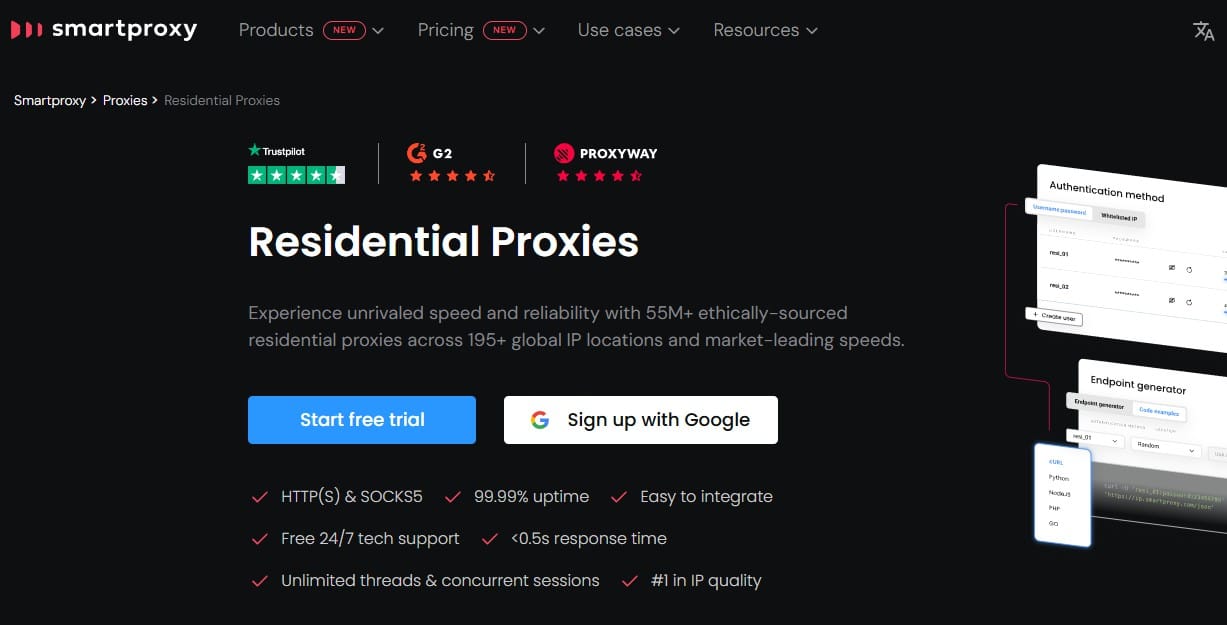
I used Smartproxy for a few months, mostly because it’s got a solid collection of residential IPs. Bright Data’s got a strong residential network too, so they’re pretty much in the same league. Smartproxy makes it easy for people who aren’t pros. The login system was a breeze, and they’ve got step-by-step guides that helped me get up and running in no time.
Depending on the plan you pick, Smartproxy might be cheaper than Bright Data. I’d say Smartproxy’s speeds are good enough for most scraping tasks, but Bright Data might be better for bigger concurrency. If you need help, Smartproxy’s live chat usually responds fast.
One drawback is that you might need extra scripts to manually rotate proxies in certain scraping tools. Bright Data sometimes automates that process.
Overall, if you want a big residential IP pool that’s straightforward, Smartproxy might fit well, especially if you can’t handle Bright Data’s pricing.
Pros and Cons
| Pros | Cons |
|---|---|
| Large residential IP pool | May need extra steps to rotate proxies in some scripts |
| Costs less than Bright Data in many cases | Not as many advanced scraping add-ons |
| Fast chat support | Speed drops at peak times |
d. Oxylabs

I turned to Oxylabs for a project involving data collection in multiple countries. They position themselves as a high-end provider, much like Bright Data. Their IP network is enormous, and their dedicated support teams were quick to resolve my questions. Speeds felt snappy, even for resource-heavy tasks.
I’ve been comparing Oxylabs and Bright Data, and they both work well for businesses dealing with large-scale scraping. But if you’re just starting out, it might be worth spending a bit more on a service like Oxylabs, which has advanced features like real-time crawler tools.
I personally haven’t had any issues, but I should mention that the monthly plan can be a bit pricey if you don’t use all the capacity. But if you need a lot of traffic or advanced crawling, Oxylabs could be a good option. They’ve been pretty stable and haven’t been blacklisted in my tests.
Pros and Cons
| Pros | Cons |
|---|---|
| Huge network and quick speeds | Prices can be steep for smaller tasks |
| Great for heavy scraping | Might have features you don’t need if you’re a beginner |
| Strong IP reputation for fewer bans | May feel complex for personal projects |
e. NetNut

I noticed NetNut because it routes traffic through real peer devices, which is similar to how Bright Data uses residential IPs. Setting up NetNut was pretty straightforward, but I had to look up some of the advanced settings in the documentation. I used it for site analysis, and it delivered consistent speeds.
NetNut and Bright Data are pretty similar, but NetNut has a different approach to managing bandwidth. Bright Data tends to charge more for larger data usage, but NetNut tries to find a middle ground that might be cheaper if you’re not scraping day and night.
One thing to keep in mind is that NetNut doesn’t have the same wide range of IPs as Bright Data, so if you’re targeting less common countries, you might not always find a perfect match. I still got good coverage for standard regions like the USA and parts of Europe.
NetNut’s support is decent, but I did have to wait a bit for responses sometimes. If you’re looking for a simpler approach to residential IPs, NetNut is worth checking out.
Pros and Cons
| Pros | Cons |
|---|---|
| Residential IPs similar to Bright Data | Slightly smaller IP network |
| Straightforward setup flow | Support can be slower than expected |
| Decent speeds in main regions | Not the best for very niche country coverage |
f. Soax

I tried Soax after hearing about its user-friendly interface. It’s designed to help you pick countries and city-level targeting for your proxies, which competes with Bright Data’s wide coverage. Soax also focuses on giving you a quick way to switch IP pools, which was nice when I tested social media scraping.
Soax is cheaper than Bright Data in a lot of situations, but you might see different speeds depending on the region you choose.
I like that Soax tries to reduce IP blocks by shuffling addresses in the background, but in busy scenarios, it doesn’t seem as solid as Bright Data.
Soax’s support was quick to respond, but sometimes I had to explain my issue again. If you’re new to proxies or just want something that auto-rotates well, Soax might be good. But for the scale that Bright Data can handle, you’ll still want to check if Soax has enough capacity.
Pros and Cons
| Pros | Cons |
|---|---|
| Simple interface with country and city targeting | Some random speed dips in busy regions |
| Costs less for small scraping tasks | Not as big of an IP list as Bright Data |
| Good rotation system to avoid blocks | Requires an active plan that might add up over time |
💨 Tired of slow, overpriced proxies? Upgrade now! 🤔 Get 25% OFF RapidSeedbox today! Enjoy blazing-fast, reliable proxies for streaming, scraping & more!
g. Storm Proxies

I tried Storm Proxies when I needed rotating residential and data center IPs on a simpler plan. Bright Data has an enormous network, but Storm Proxies focuses on basic rotating options that work well for smaller sites. The rotating pool often gave me fresh IPs without a lot of manual fiddling.
While Bright Data has more specialized tools (like phone-based IPs launched recently), Storm Proxies was great for standard scraping tasks and casual brand monitoring. The website is straightforward, which made it easy to set up the endpoints quickly. Speeds were fine for average scraping jobs, but I wouldn’t push it for massive concurrency. I liked that the login portal was minimalistic, so I didn’t have to dig through layers of settings.
If you’re used to the in-depth analytics that Bright Data offers, Storm Proxies might seem basic at first. But that can actually be a plus, especially if you’re sick of paying for features you don’t need. The random IP changes were enough to keep me from getting banned on popular e-commerce sites. The main drawback was the limited city-level coverage. But if you need hyper-specific location targeting, Bright Data might still be the better choice.
Pros and Cons
| Pros | Cons |
|---|---|
| Easy rotation for residential and data center IPs | Less city-level control than Bright Data |
| Basic interface that doesn’t overwhelm newcomers | Not great for huge volume scraping |
| Budget-friendly for smaller tasks | Fewer advanced features or analytics tools |
2. Migration Checklist: How to Switch from Bright Data to a New Provider
Here’s a quick process when switching from Bright Data to avoid mistakes:
- Cancel or pause your Bright Data subscription
- Log in to your Bright Data dashboard.
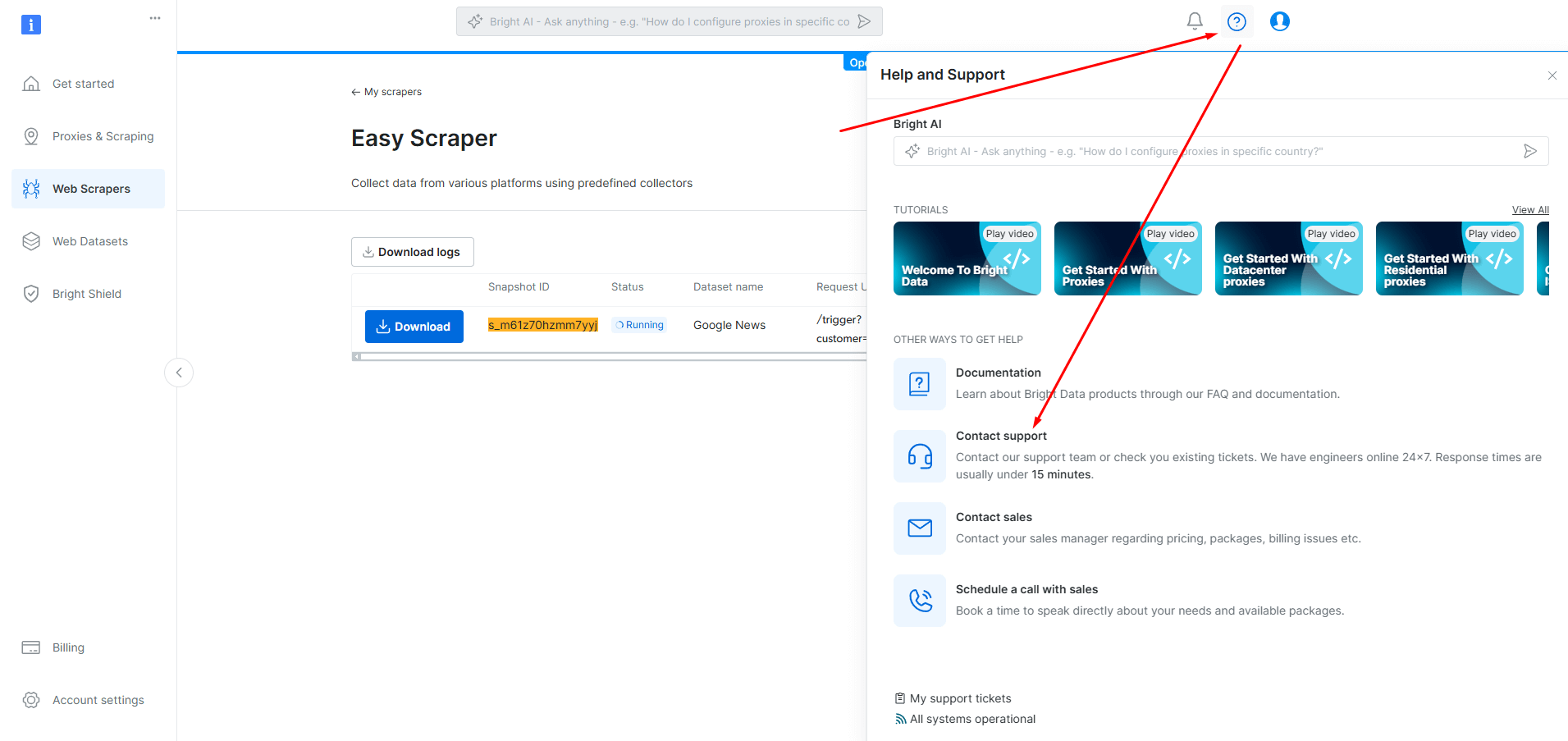
- To cancel your subscription, you need to contact the support team. You can do this by clicking the Question Mark (?) button on the top right corner of your Control Panel or by sending an email to [email protected].
- Download any relevant data or scripts
- If you’ve set up custom scraping scripts on Bright Data, back them up.
- Organize any target website lists or IP settings you might need later.
- Keep these files in a safe folder on your computer.
- Pick and subscribe to your Bright Data proxy alternative
- Compare the provider’s pricing with what you paid on Bright Data.
- Watch for data caps, especially if you scrape large volumes.
- Choose a monthly or annual plan that fits your budget better.
- Reconfigure your scripts or tools
- Open your scraping tool and locate the proxy settings.
- Update the hostname, port, username, and password based on your new provider’s instructions.
- Save your changes to ensure the data route points to the new proxy.
- Test on a small scale
- Run a small batch scrape on one website.
- Confirm that your new proxy rotates correctly or matches your speed needs.
- Check if any errors pop up, like random IP blocks.
- Check usage and billing
- Log in daily (or weekly) to your new provider’s dashboard.
- Verify you’re within your data or concurrency limits.
- Make sure your billing statements match what you expect.
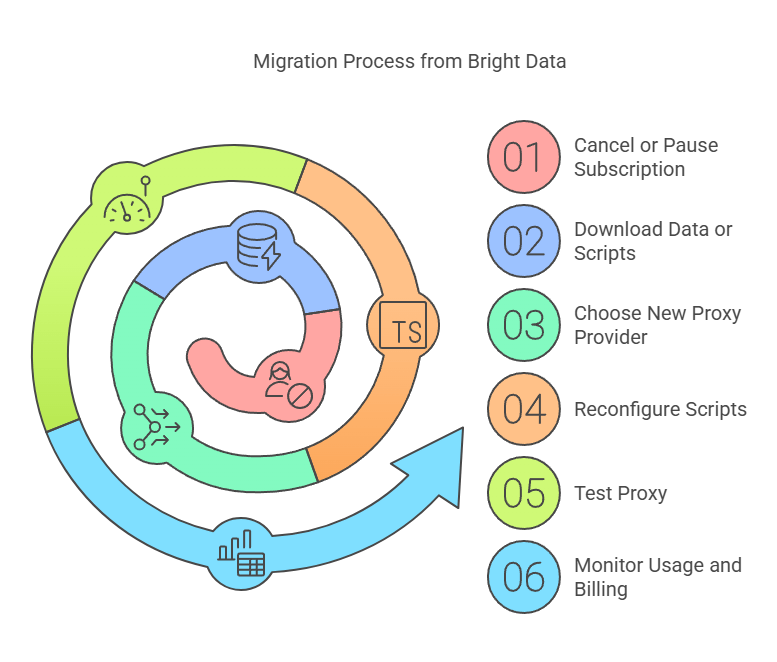
This checklist will help you switch from Bright Data to a different proxy service. Make sure you don’t lose any data or go over your budget. If you follow the steps, it’ll be pretty easy to find a Bright Data proxy alternative that works for you.
3. FAQ
Rapidseedbox is cheaper for small-scale scraping. I found that I could budget more predictably. Other services might be economical too, but Rapidseedbox gave me a simpler plan without hidden add-ons. That was a big draw for me.
Yes, but it depends on the provider’s bandwidth and how many concurrent requests you need. Some services, like Oxylabs and Bright Data, aim at heavier loads. If you only scrape moderate volumes, Rapidseedbox, Smartproxy, or ProxyEmpire might be enough for your needs.
Rotating proxies can help you avoid IP blocks by switching addresses at set intervals. I found that many providers on this list have rotating features by default. Bright Data also rotates residential IPs. It’s good to check each service’s rotation settings to see what fits your scraping plan.
Residential proxies come from real home connections, so they look authentic to target sites. Datacenter proxies are cheaper and faster but can be blocked more often. Bright Data and NetNut focus on residential IPs, while Rapidseedbox and Smartproxy let you pick the kind of IP you need.
4. Summary – How to Pick a Bright Data Proxy Alternative
Focus on price, ease of setup, and the size of the IP network. For me, Rapidseedbox stands out as the most balanced Bright Data proxy alternative when I’m not scraping massive amounts of data. I also enjoy their quick support. You may choose differently if you handle huge corporate scraping or want advanced analytics, but it’s nice to have a simpler option when you just need reliable proxies at a fair rate.
Struggling to find a dependable Bright Data Proxy alternative?
Experience the power of Rapidseedbox’s Datacenter Proxies. Enjoy high-speed connections, unmatched scalability, and affordability — all tailored to meet your proxy needs. Upgrade your proxy solution today!
0Comments