 By
By
Managing a growing media library while keeping up high upload ratios can be a constant struggle for digital collectors. A 1TB seedbox is a high-speed remote server that gives you the best of both worlds – a lot of storage space and fast network performance for torrenting and streaming media.
Table of Contents
- What is a 1TB Seedbox?
- 1TB Seedbox: Key Facts
- Why is a 1TB Seedbox the Best Choice for Most Users?
- The Best 1TB Seedbox in 2026
- How to Set Up Your 1TB Seedbox in 5 Minutes
- Who Should Use a 1TB Seedbox?
- How 10Gbps Networks Impact 1TB Storage
- Common Mistakes with 1TB Seedboxes
- Frequently Asked Questions
- Conclusion
What is a 1TB Seedbox?
A 1 TB seedbox is a specialized remote server (VPS) equipped with 1,000 gigabytes of storage and a high-speed network connection, typically ranging from 1Gbps to 10Gbps.
These servers are specifically designed to manage torrents and files at speeds far exceeding home connections. It works by allowing users to download and upload torrent files directly to the server’s disk rather than their local machine. This mechanism ensures that your home bandwidth remains untouched while you maintain a 24/7 presence on BitTorrent swarms to improve your sharing ratio.
1TB Seedbox: Key Facts
- What it is: A remote VPS optimized for BitTorrent and media management.
- How it works: It downloads files to a remote 1TB disk using high-speed data center uplinks.
- Main components: 1TB HDD/NVMe storage, 1-10Gbps network, and pre-installed torrent clients.
- Key benefits: High upload ratios, 24/7 operation, and enhanced privacy from ISPs.
- Difficulty level: Beginner to Intermediate.
- Best for: Private tracker users, Plex streamers, and privacy-conscious downloaders.
- Last updated: 2026.
Why is a 1TB Seedbox the Best Choice for Most Users?
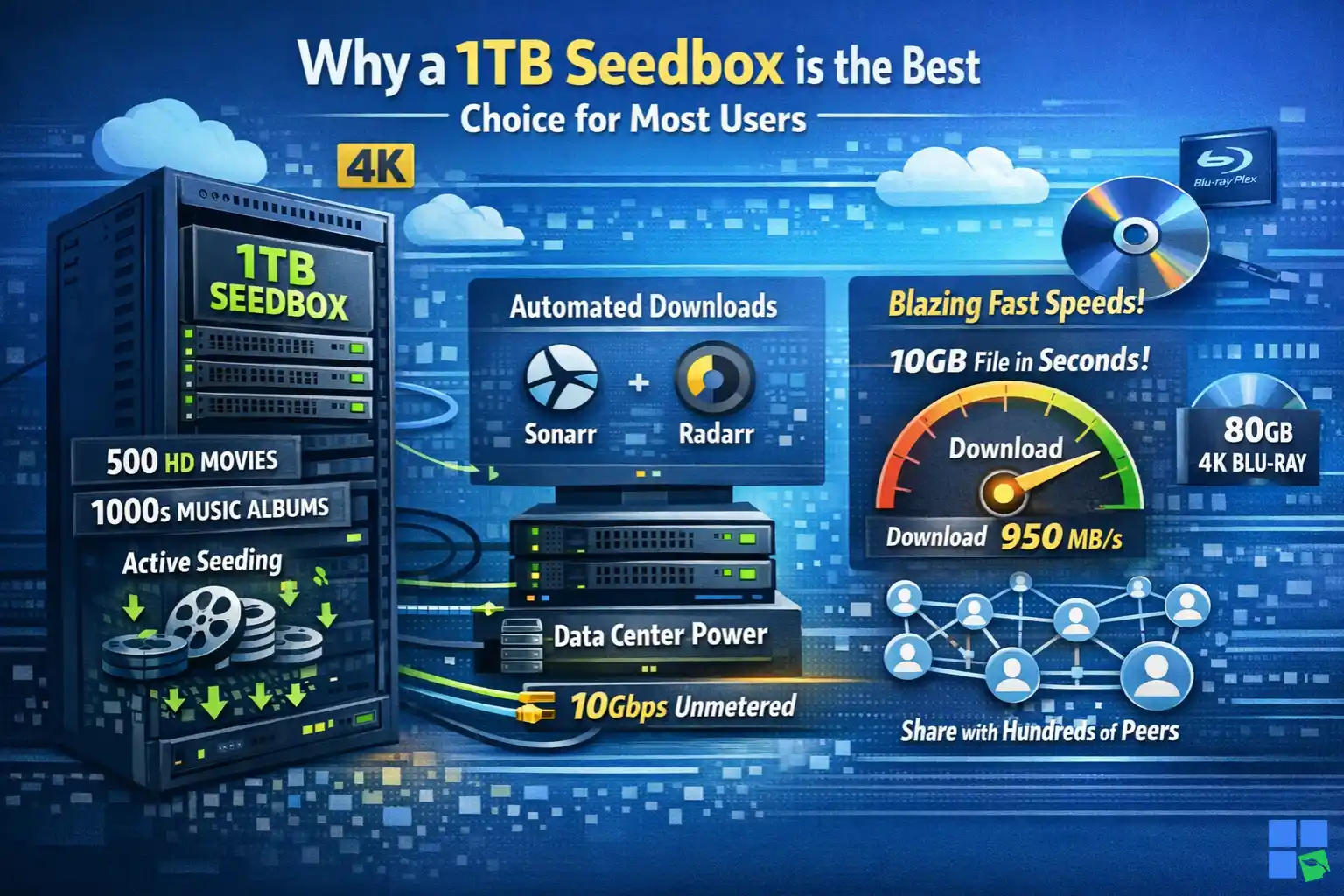
A 1TB seedbox gives you enough space to host around 500 high-def movies or thousands of music albums, and there’s still room for active seeding. It uses data center-grade hardware to handle hundreds of connections at once, which most home routers can’t do. If you’re looking to automate media downloads using tools like Sonarr or Radarr without fretting about running out of space, a 1TB plan is a solid choice.
But if you’re planning on archiving whole 4K Blu-ray libraries, it’s better to pick a plan with more than 1TB of storage. These files can be over 80GB each, and they’ll fill up the disk real quick. From what I’ve seen, the 1TB “Swift” plan from RapidSeedbox is the most consistent performer because it pairs this storage with an unmetered 10Gbps uplink.
This network speed is key for high-bitrate Plex streaming and competitive seeding. For example, a user can download a 10GB file in seconds and then share it with hundreds of others to instantly boost their tracker status.
The Best 1TB Seedbox in 2026
When picking a provider, it’s key to consider the relationship between storage, bandwidth, and support. A lot of providers offer 1TB plans, but the “Swift” plan from RapidSeedbox is special because it has unlimited traffic and live support 24/7.
| Feature | RapidSeedbox (Swift) | Ultra.cc (Essential) | Seedhost.eu (SH 8) |
| Storage | 1 TB | 1 TB | 1 TB |
| Network Speed | 10 Gbps | 20 Gbps | 10 Gbps |
| Monthly Traffic | Unlimited | 2 TB | 3 TB |
| Support | 24/7 Live Chat | Ticket Based | Ticket Based |
| Best for | Heavy Seeding | Budget Users | Casual Downloaders |
Choose RapidSeedbox if you need a high-performance environment with unlimited bandwidth and instant human support to troubleshoot app configurations.
Choose Ultra.cc if you are on a strict budget and do not expect to exceed 2TB of monthly upload traffic.
Struggling to manage large torrents with limited storage?
Step up to a 1TB Seedbox from RapidSeedbox and handle massive downloads with ease. Experience ultra-fast speeds, secure remote access, and zero ISP throttling – ideal for heavy users who want reliability, performance, and full control over their data.
How to Set Up Your 1TB Seedbox in 5 Minutes
Setting up a modern seedbox no longer requires Linux command-line knowledge. Most premium providers like RapidSeedbox offer one-click installers for the most popular applications.
1. Select the Swift 1TB Plan
Go to the pricing page and select the “Lean” category, then choose the Swift plan. This step makes sure you get the 10Gbps network speed and 1TB of storage you need for a high-performance setup.
2. Access Your Dashboard
Once your payment is processed, you will receive an email with your login credentials. Log in to your client area to see your server’s status and IP address.
3. Install Your Torrent Client
Click on the “One-Click Apps” section and select a client like rTorrent or Deluge. The server will automatically configure the software and provide you with a web UI link.
4. Add Your First Torrent
Open the web UI of your chosen client and upload a .torrent file or paste a magnet link. You’ll see the download start almost instantly at speeds that often exceed 100MB/s.
Pro tip: Just enable the “Auto-label” feature in rTorrent, and it’ll automatically organize your 1TB disk into folders for Movies, TV Shows, and Music.
Who Should Use a 1TB Seedbox?
For Beginners
- Profile: Users new to private trackers who need to build a positive ratio quickly.
- Why it works: The 1TB capacity is forgiving, allowing you to keep many files seeding simultaneously without complex disk management.
- Getting started: Use the pre-configured rTorrent client to start seeding.
For Media Streamers
- Profile: Cord-cutters who want to host their own Netflix-like service using Plex or Emby.
- Why it works: A 1TB seedbox can hold a substantial library of 1080p content, and the 10Gbps network ensures buffer-free streaming to any device.
- Optimization tips: Use the “Plex Media Server” one-click app to index your 1TB library automatically.
For Privacy Advocates
- Profile: Individuals who want to keep their downloading habits hidden from their Internet Service Provider (ISP).
- Why it works: All torrent traffic happens on the remote server, and files are transferred to your home via encrypted SFTP or HTTPS.
- Common workflow: Download files to the seedbox, then use an FTP client like FileZilla to bring them home securely.
How 10Gbps Networks Impact 1TB Storage
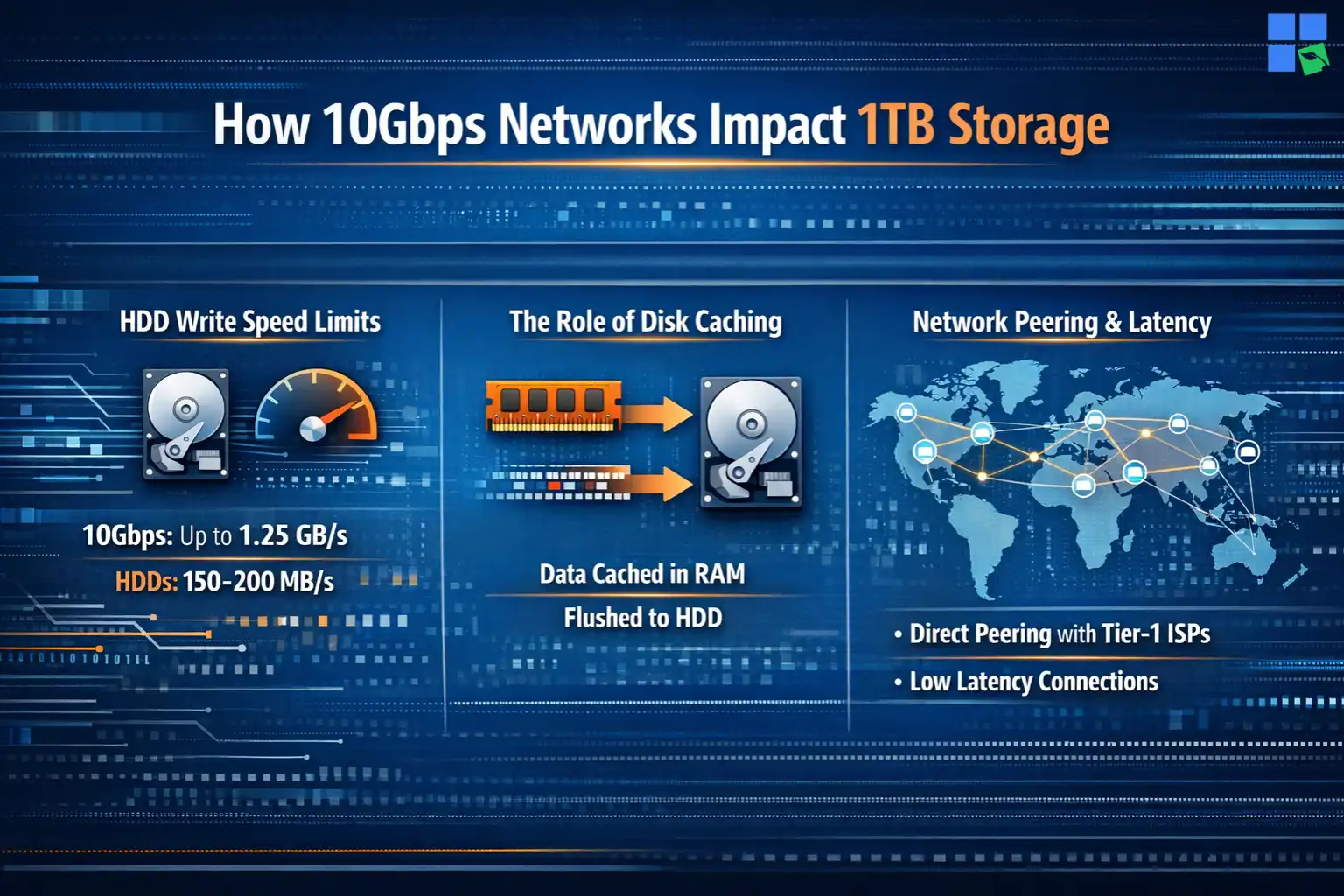
How well a 1 TB seedbox performs depends a lot on its network interface card (NIC) and the disk I/O underneath it. In a 10-Gbps environment, the theoretical maximum throughput is 1.25 GB per second. But standard Hard Disk Drives (HDDs) used in most 1TB plans have physical write limits of about 150-200MB/s.
The Role of Disk Caching
To bridge the gap between 10Gbps network speeds and HDD write speeds, providers like RapidSeedbox use aggressive RAM caching. When a file is downloaded, it is first written to the server’s volatile memory (RAM) before being flushed to the 1TB disk. This prevents the “Disk Overload” errors common in cheaper, poorly optimized setups.
Network Peering and Latency
A seedbox is only as fast as its connection to other peers. High-quality providers maintain direct peering agreements with major ISPs and Tier-1 network providers. This ensures that your 1TB seedbox can find and connect to peers globally with minimal latency, which is essential for “racing” torrents on competitive trackers.
Common Mistakes with 1TB Seedboxes
1. Filling the Disk to 100%
Users often automate their downloads and forget to set “Stop” conditions when the 1TB limit is reached.
When a disk is completely full, the torrent client may crash, and the database can become corrupted, requiring a service reset. Always leave at least 5% (50GB) of free space for system operations.
2. Using Public Trackers Without Limits
Public trackers have thousands of peers, which can consume all your upload slots.
Excessive connections can slow down your web UI. It is best to limit the number of active torrents to around 50-100 for optimal performance on a 1TB plan.
Frequently Asked Questions
Yes, 1TB is the “sweet spot” for most users. It provides enough space for a large active library while remaining affordable. 1TB is the recommended starting point for anyone serious about private trackers.
Absolutely. A 10Gbps connection has more than enough bandwidth for 4K HDR streaming, which typically requires 25-50Mbps. However, keep in mind that 4K files are large, so you may only be able to store 15-20 full-quality UHD remuxes on a 1TB disk.
A seedbox is generally superior for torrenting because it provides a dedicated environment with 24/7 uptime and high-speed uplinks. While a VPN protects your home IP, it is still limited by your home’s upload speed. A 1 TB seedbox removes this bottleneck entirely.
Conclusion
If you’re looking to manage your digital media while keeping up with elite status on private trackers, a 1TB seedbox is the way to go. If you’re looking for a boost in privacy, speed, and convenience, you should consider offloading your torrenting activities to a high-speed remote server. These setups can’t be beat. If you’re looking for the best bang for your buck, the Swift plan from RapidSeedbox is still the go-to choice in 2026. It’s got a mix of 10Gbps speeds, unlimited traffic, and top-notch support.
Looking for a powerful 1TB seedbox to supercharge your downloads?
Upgrade your torrenting experience with a high-speed 1TB Seedbox from RapidSeedbox. Enjoy lightning-fast downloads, enhanced privacy, and seamless streaming – all without stressing your local device. Perfect for handling large files, maintaining ratio, and accessing your data anytime, anywhere.
0Comments