 By
By
Ultra.cc (formerly Ultraseedbox) is a high-performance seedbox provider that balances affordability with robust features.
With a 50 Gbps shared network, unlimited downloads, and capped uploads, it appeals to budget seeders looking for solid performance and simplicity.
However, not everything is perfect. Upload caps, shared resource contention, and recent Plex policy changes mean it’s important to know exactly what you’re getting.
This review provides the latest plan comparisons, real-world user insights, details on Plex and VPN support, and an analysis of how Ultra.cc compares to its competitors.

Table of Contents
- What is Ultra.cc?
- Initial Setup and First Impressions
- Pricing and Plans
- Comparative Insights and Market Position
- Alternatives to Ultra.cc
- Frequently Asked Questions
- Final Thoughts
1. What is Ultra.cc?
Ultra.cc, previously known as Ultraseedbox, is a popular seedbox service provider offering affordable and efficient torrenting solutions. It provides various plans tailored to different user needs, ensuring high-speed, anonymous torrenting with robust security features.
The service includes an intuitive user control panel (UCP), ready-to-install applications, and strong customer support. With servers in the Netherlands, Canada, and Singapore, Ultra.cc aims to provide reliable and accessible seedbox services to users worldwide.
Key Features
- Affordable Plans: Ultra.cc offers budget-friendly monthly pricing.
- Quick Setup: Users can access their seedbox within an hour of signing up.
- Wide Range of Applications: It supports various applications, such as ruTorrent, Deluge, SABNZBd, and VPN, for enhanced functionality.
- High Performance: Provides good network speeds and stable performance, although some users may experience inconsistencies.
- Comprehensive Documentation: Well-documented guides and tutorials to assist users in setup and troubleshooting.
- Responsive Support: Generally helpful customer support to resolve issues and provide assistance. They also have a Discord channel.
🚦 Still stuck in the slow lane? Let’s fix that with the speed and reliability you deserve. Get 4 Months for Free!
2. Initial Setup and First Impressions
One of the standout features of Ultra.cc is the speed of setup. Upon signing up, you will get access to your seedbox within an hour (typically). This quick turnaround is ideal for users eagerly diving into torrenting activities without delay.
User Control Panel
The initial configuration process was straightforward. The user interface is intuitive, making it easy even for those who might be newer to seedboxes. This is partly thanks to their outstanding UCP, which facilitates the easy installation and management of various applications.
However, there are a few quirks:
- Password Reconfiguration: When modifying the authentication file for Deluge, changes were not reflected in the UCP, which was inconvenient.
- Deluge Web-UI: The daemon port was not immediately visible, which caused some minor frustration.
Despite these issues, the UCP is user-friendly and efficient for the most part.
Application Installs

Ultra.cc offers a wide range of applications you can install with just a few clicks. This is particularly beneficial for less technically adept users needing a workaround for manual installations. Here are some highlights:
- ruTorrent: Installed smoothly without requiring rtorrent, which is great for users who prefer autodl to Deluge.
- VPN: VPN setup is robust, ensuring secure and anonymous torrenting. Interestingly, they already support Wireguard tunnels.
Disk Quota and Performance Issues
Ultra.cc enforces a strict disk quota limit. While this is understandable from a management perspective, it may cause some issues if you’re used to having slightly more flexibility in usage.
This can be a significant issue for users who need to manage large volumes of data.
Documentation and Support
The documentation provided by Ultra.cc is comprehensive and well-written. It covers many topics and is particularly useful for new users. The support team is responsive and helpful, which is a big plus.
Billing Panel and Privacy Concerns
A notable downside of Ultra.cc is its use of re-captcha for authentication. While re-captcha is effective for security, its use of Google services raises privacy concerns. This is a contradictory practice for a provider that markets itself on privacy and warrants criticism.
3. Pricing and Plans & App Vault (2026) – Updated
Below is the latest slate of Ultra.cc App Vault (HDD) plans (for 1 Gbps upload max) as listed on their official store:
| Plan | Storage | Download Uplink | Upload Uplink | Monthly Upload Quota | Price* |
|---|---|---|---|---|---|
| Vault Lite | 6 TB | 50 Gbps shared | 1 Gbps | 12 TB | €16.95 |
| Vault Basic | 8 TB | 50 Gbps shared | 1 Gbps | 15 TB | €21.95 |
| Vault Pro | 12 TB | 50 Gbps shared | 1 Gbps | 20 TB | €31.95 |
| Vault Prime | 16 TB | 50 Gbps shared | 1 Gbps | 30 TB | €41.95 |
| Vault Ultra | 22 TB | 50 Gbps shared | 1 Gbps | 50 TB | €56.95 |
Key notes and caveats:
- Download traffic is unlimited, but only upload traffic is counted against your quota.
- If you exceed your monthly upload quota, your upload speed will be throttled down to 10 Mbit/s until your next billing period.
- Ultra.cc offers extra upload traffic addons that you can purchase to increase your upload quota (except in their Singapore location).
Want More Value for Your Money?
Are you tired of overpaying for your seedbox service? RapidSeedbox offers competitive pricing without sacrificing quality or performance. Get the best value with RapidSeedbox’s affordable plans and robust features!
4. Comparative Insights and Market Position
In the competitive seedbox market, Ultra.cc positions itself as a budget-friendly option. Compared to other providers such as RapidSeedbox and Whatbox, Ultra.cc offers a more affordable entry point.
However, advanced features and performance consistency must improve in some areas.
User Feedback
User feedback on Ultra.cc is one of the service provider’s top highlights. Many users appreciate the affordability and excellent support provided. However, a small but vocal minority expresses discontent with performance inconsistencies and a lack of certain features.
The service provider boasts an outstanding 4.9 rating on Trustpilot, based on 562 reviews (at the time of writing).
🌟 Trusted by thousands. Don’t settle for slow. Get 4 Months Free!
What happens when the upload cap is reached + extra traffic addons
- Once your monthly upload quota is exhausted, your upload speed is throttled to 10 Mbit/s, while your download remains unaffected.
- To continue seeding at full speed, you can purchase extra upload traffic addons. These are monthly subscriptions that renew (unless canceled) and apply immediately to your service.
- Important: These extra bandwidth addons renew on the same “traffic reset” date as your base plan. They do not reset on their own billing cycle.
- Note: In Singapore, extra upload addons are not available.
5. Alternatives to Ultra.cc
If Ultra.cc doesn’t meet your needs, here are five excellent alternatives to consider:
a. RapidSeedbox
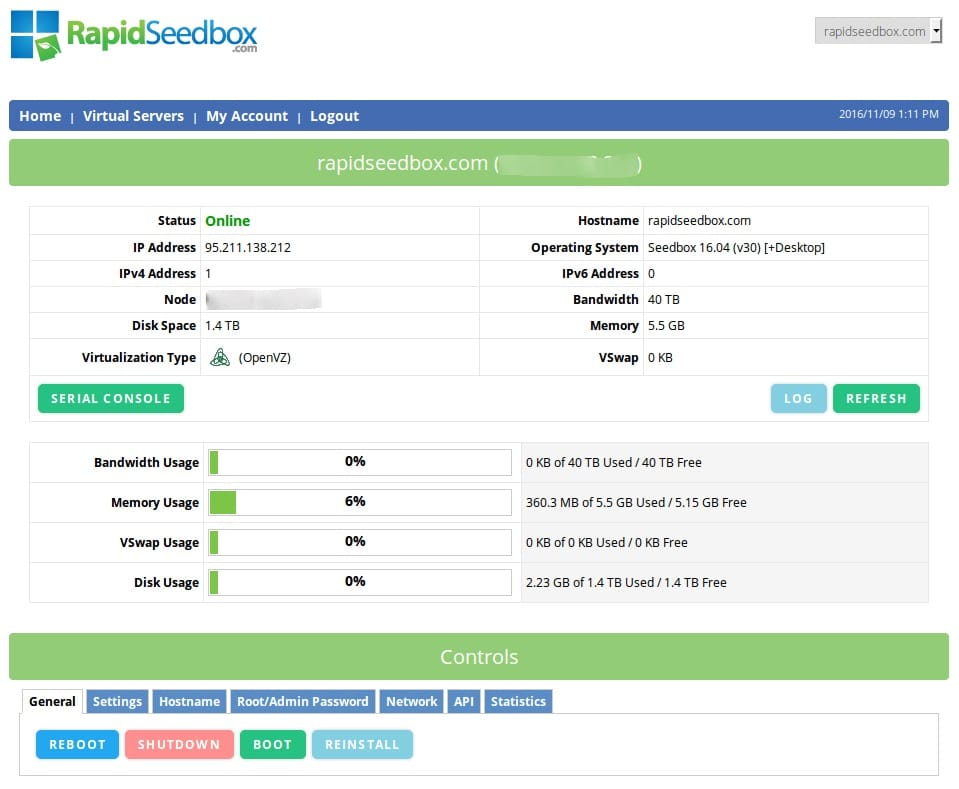
Another well-regarded brand in the seedbox space, RapidSeedbox offers a wide range of features and excellent performance. Starting at $9 per month, it includes Google Drive integration, one-click application installs, and robust customer support.
RapidSeedbox is particularly noted for its comprehensive feature set and reliability, making it a top choice for new and experienced users. It also boasts a sterling reputation among users for its best-in-class customer support.
b. Whatbox
Whatbox is another highly recommended seedbox service. Known for its exceptional performance and support, Whatbox offers dedicated servers in multiple locations, including the US, Europe, and Singapore.
This makes it an excellent choice for low-latency and high-speed access users. Prices start at $15 per month, making it one of the more expensive options. However, it’s popular among Plex users due to its robust support for media streaming.
c. Seedboxes.cc
Seedboxes.cc offers a variety of plans tailored to different user needs, from casual torrenting to more intensive usage. With servers in the Netherlands, it provides excellent speeds and a solid range of features, including automated backups and robust security.
Prices aren’t exactly competitive, though, starting at $14.35/mo. However, the service does receive some accolades for reliability and customer support.
d. Bytesized Hosting
Bytesized Hosting is ideal for users who need more than just a basic seedbox. It offers many applications that can be installed quickly, including Plex, Sonarr, Radarr, and more. Bytesized Hosting is known for its flexibility and excellent customer support.
Pricing starts at $14 per month, making it a powerful but pricey solution for users seeking a comprehensive media management solution.
e. Pulsed Media
Pulsed Media offers a range of seedbox plans focused on high performance and scalability. It offers shared and dedicated seedboxes, starting at €7.49 per month.
Pulsed Media is praised for its fast setup times, reliable service, and extensive feature set, including VPN, rclone support, and detailed usage statistics.
I was tempted to include Seedit4me on this list as well, but Ultra.cc offers better value for the money.
6. Frequently Asked Questions
Yes. Ultra.cc is the rebrand of Ultraseedbox.
Download traffic is unlimited on all plans. Only upload traffic is counted against a monthly quota.
Once you exhaust your upload quota, Ultra.cc will throttle upload speeds to 10 Mbit/s until your next traffic reset.
They operate in Netherlands, Canada, and Singapore.
(They recommend choosing the location closest or with better peering to your location for best performance.)
No, users do not have sudo or root access. You must use the one-click or supported apps.
Ultra.cc provides a curated list of installable applications, and you manage them through their dashboard (you can install, uninstall, upgrade, and clean up apps), but not arbitrary system software.
It depends on many variables (file bitrates, resolution, client device). Ultra suggests 3–4 concurrent 1080p streams is possible under good conditions.
They discourage 4K transcoding (they recommend direct play for 4K content).
7. Final Thoughts
Ultra.cc offers a solid entry-level seedbox service, appealing to budget-conscious users with its affordable pricing and user-friendly interface. While it excels in quick setup and basic functionalities, some users may encounter performance consistency.
Several compelling alternatives are available for those requiring more robust features and higher reliability. Each alternative presents unique strengths, catering to various torrenting needs and preferences.
Is your current seedbox slowing you down?
Consider alternative high-performance seedboxes designed to handle demanding tasks like torrenting or streaming. Rapidseedbox lets you run tasks 24/7 on robust and effective platforms, allowing you always to maintain perfect seed ratios.
0Comments