 By
By
This guide covers how to legally and effectively scrape public data from Facebook and X (Twitter) in 2026. It explains the legal landscape, how to use official APIs, Python scraping methods, and top tools like PhantomBuster, Octoparse, and Scrapy.
You’ll also find best practices for ethical scraping, including using proxies, CAPTCHA solvers, and headless browsers to avoid detection. Always respect platform Terms of Service, data privacy laws, and only target publicly available content.
Let’s dive right in!
Table of Contents.
- Social Media Scraping: What it is?
- Is Social Media Scraping Legal?
- How to Scrape Facebook (or Twitter) with Python?
- The Top 4 Recommended Social Media Scraping Tools.
- Best Practices for Twitter and Facebook Scraping
- Final Words
Disclaimer: This material has been developed strictly for informational purposes. It does not constitute endorsement of any activities (including illegal activities), products or services. You are solely responsible for complying with the applicable laws, including intellectual property laws, when using our services or relying on any information herein. We do not accept any liability for damage arising from the use of our services or information contained herein in any manner whatsoever, except where explicitly required by law.
1. Social Media Scraping: What it is?
A social scraper tool should be able to extract data from various social media platforms, including Facebook, Twitter, Instagram, LinkedIn, TikTok, blogs, wikis, and news sites. All of these social platforms have something in common:
“They generate user-generated content as unstructured data that is accessible through the web.”
Data scraped from social media can provide an extensive and dynamic dataset about human behavior. It can offer valuable insights to social scientists and business experts so they can understand individuals, groups, and an entire society. Social media scraping and analytics have been used by various industries (like retail and finance) to enhance brand awareness, customer service, marketing strategies, and even detect fraud.
But beyond these applications, modern social media datasets can be used in the following areas:
- Customer sentiment measurement: Analyzing customer reviews from social media like Twitter and Facebook can help businesses understand how customers feel about their products or services. This information can be used to improve customer satisfaction and loyalty.
- Market trend identification: An automatic social media scraper like Facebook or Twitter scraper can be used to identify market trends. Scrapers can be used for tracking industry data, influencers, and publications across time.
- Online branding monitoring: Twitter scrapers or any other social media scraper can be also used to monitor online branding by tracking customer feedback. It can also be used to track competitor activity and industry trends. With this information at hand, businesses can improve their brand reputation and stay ahead of the competition.
- Image collection & processing: In the world of modern social media data sets, images are scraped from different platforms. These images are then preprocessed, which includes tasks like object detection, recognition, visual analytics, and more.
- Target market segmentation: By analyzing social media data, businesses can identify their target markets and tailor their marketing campaigns accordingly. This can help businesses improve their ROI.
For everything there is to learn about this topic, check our web scraping guide.
2. Is Social Media Scraping Legal?
Many people consider social media scraping illegal or shady. But in reality, it’s a legitimate activity that needs to respect certain boundaries. The boundaries of web scraping legality depend on the data being scraped and how it is being done. Generally, web scraping is legal if the data is publicly available on the internet. But, a lot of caution is needed while web scraping and especially with personal data or copyrighted content.
Learn more in: Is Web Scraping Legal?
To ensure ethical scraping, it’s essential to be considerate of the data being collected and its purpose. Personal data and intellectual property are areas that require special attention. Understanding regulations that dictate how to handle personal data like the GDPR and CCPA is paramount.
It is also critical to understand the Terms of Use on websites, as they can restrict scraping through browsewrap or clickwrap agreements, (but most of the time their enforceability depends on proper presentation to users).
| Interesting Fact! Recent rulings have clarified that scraping publicly available data is generally not a violation. The US appeals court reaffirms legality of web scraping in a landmark ruling [source: TechCrunch]. The Ninth Circuit found that scraping publicly accessible data on the internet does not violate the Computer Fraud and Abuse Act (CFAA). |
a. Is it legal to scrape data from Facebook?
In general, scraping publicly available data from Facebook is not illegal as long as it is done in compliance with applicable laws and regulations. You should always ensure that you are scraping publicly available data and not copyrighted content or personal data (as the former two are protected by the law).
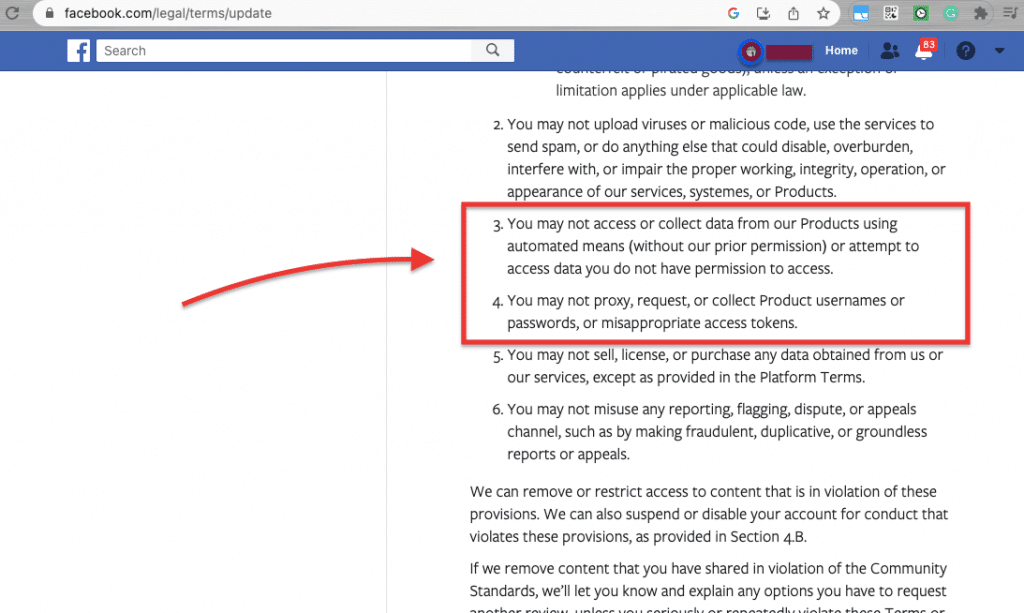
Facebook has strict policies against web scraping, which if done incorrectly, makes it a violation of its terms of service. Also, laws like GDPR ensure that personal data (from Facebook users) is protected by the law. For more information, you can read the up-to-date Facebook Terms of Service.
b. Is a Twitter scraper allowed to collect data from Twitter?
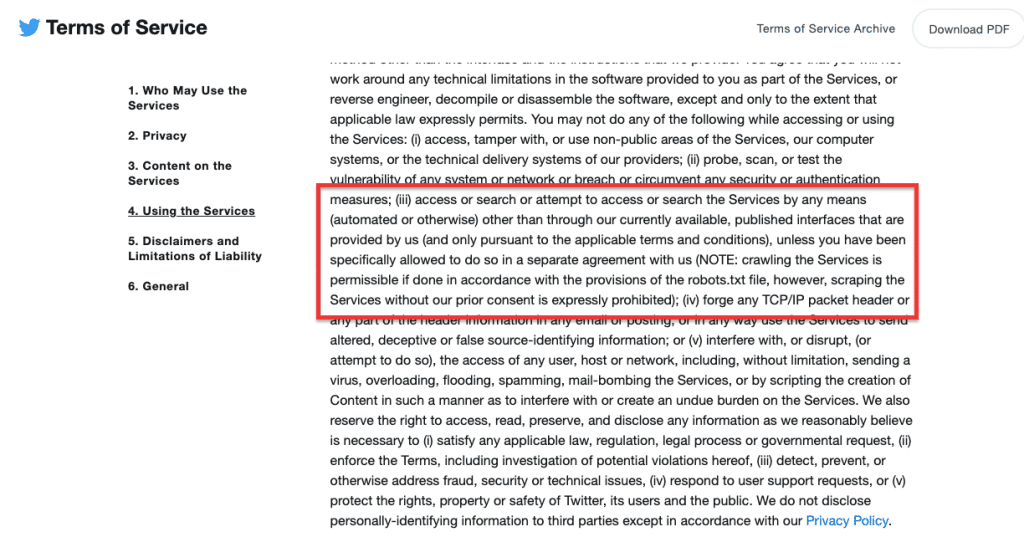
Scraping publicly accessible data from Twitter is not illegal. For example, scraping tweets from public profiles or public tweets that are visible to anyone on Twitter is considered legal. Always keep in mind not to scrape, collect or accumulate private data from Twitter (stick to publicly available data).
In addition, keep in mind that, if you collect copyrighted data publicly available (ensure not to re-use it without permission). Laws like the GDPR ensure that personal data (from Twitter users) is protected by the law. Always, stick to Twitter’s terms of service to ensure you are not breaking the law.
| 🚨 API Access Warning: Accessing Twitter (X) and Facebook data via their official APIs is the most compliant and privacy-respecting method, but both platforms have tightened restrictions in 2026. Developers must register for API keys, follow OAuth authentication, and stay within strict rate limits. While scraping offers more flexibility, it can pose serious legal risks if misused. |
3. How to Scrape Facebook (or Twitter) with Python?
Python has extensive library support and a strong community; this makes it an excellent choice for web scraping tasks, regardless of the complexity or scale of the project. The programming language provides a rich selection of open-source libraries and frameworks explicitly designed for web scraping, including Scrapy, Beautiful Soup, and Selenium.
a. Breakdown of how to scrape using Python:
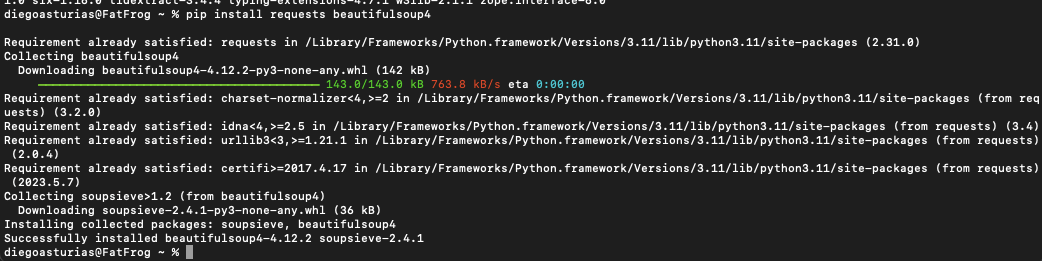
- Install the required libraries: Start by installing the specific library your project needs in your Python environment. To install a library, you can use pip, a package manager for Python. For example:
|
1 |
pip install requests beautifulsoup4 |
- Import the required libraries: Once the installation is complete, import the library into your Python code using the ‘import’ statement. For example:
|
1 2 |
import requests from bs4 import BeautifulSoup |
- Make a request: Send a request to the target website to fetch the desired information. Python offers various libraries, like “requests” to handle HTTP requests. To make requests to Twitter (or Facebook) you need to use the Twitter (or Facebook) API endpoints along with the appropriate authentication.
|
1 2 3 4 |
def get_user_tweets(username): base_url = f"https://twitter.com/{username}" # Make the request to Twitter response = requests.get(base_url) |
- Parse the HTML content: After obtaining the HTML content, parse it to extract relevant information. Python libraries like Beautiful Soup come with built-in HTML parsers, but you can also use third-party parsers like HTML5lib and lxml. For example:
|
1 2 |
# Parse the HTML content using Beautiful Soup soup = BeautifulSoup(response.text, "html.parser") |
- Locate the desired data: Python libraries offer methods to locate specific data on a web page. For instance, Beautiful Soup supports XPaths and CSS Selectors, making it easy to find and extract specific document elements. An example of locating information on a page:
|
1 2 |
# Locate the tweets on the page tweet_elements = soup.find_all("div", {"data-testid": "tweet"}) |
- Save the extracted data: Once you have scraped the required data, you can save it to a file or store it in a database for further analysis and use.
Note: Remember to explore the popular Python libraries to determine which one suits your needs. Always consider using official APIs whenever possible to access and collect data in an ethical and legal manner.
b. An example using Tweepy for making API requests?
For making API requests to Twitter’s API, you can use libraries like Tweepy in Python. Tweepy provides easy access to Twitter’s API. It abstracts the OAuth process and simplifies the interaction with Twitter’s API endpoints.
Here’s an example of how you can use ‘Tweepy’ to fetch tweets from Twitter’s API:
|
1 2 3 4 5 6 7 8 9 10 11 12 13 14 15 16 17 18 19 |
import tweepy Set up your Twitter API credentials consumer_key = 'your_consumer_key' consumer_secret = 'your_consumer_secret' access_token = 'your_access_token' access_token_secret = 'your_access_token_secret' Authenticate with Twitter's API (v1.1) auth = tweepy.OAuth1UserHandler(consumer_key, consumer_secret, access_token, access_token_secret) api = tweepy.API(auth) Fetch tweets from a user's timeline (v1.1) username = 'twitter_username' tweets = api.user_timeline(screen_name=username, count=10, tweet_mode='extended') Print the full text of each tweet for tweet in tweets: print(tweet.full_text) |
Applying the code.
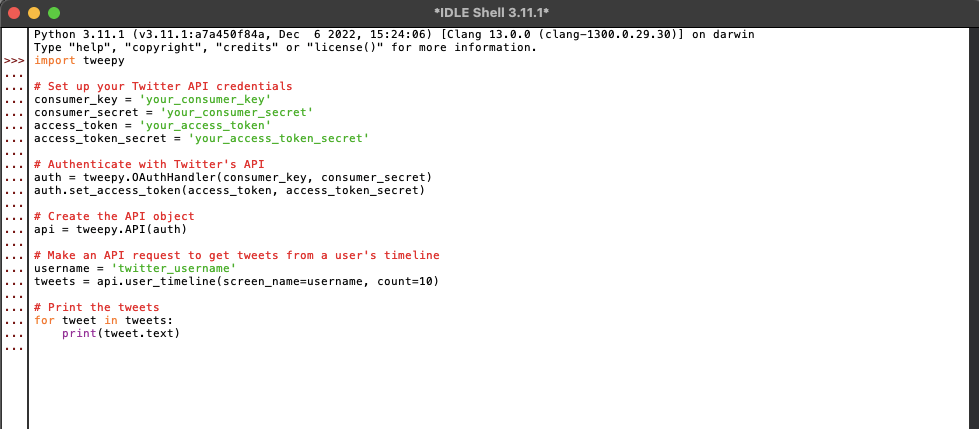
The Python code provided above works as long as you have replaced ‘your_consumer_key’, ‘your_consumer_secret’, ‘your_access_token’, ‘your_access_token_secret’, and ‘twitter_username’ with your actual Twitter API credentials and the Twitter username you want to fetch tweets for.
In the next section, we will take a look at some of the best third-party web scraping tools to do the job (including no-code tools) when you cannot obtain data via APIs. In addition, If you are unfamiliar with Python and would like to try other programming languages specialized in statistical analysis and data visualization, we recommend you try web scraping with R.
Scrape Without Getting Blocked 🚫
Avoid IP bans with a rotating proxy setup that mirrors real user behavior.
See how it works4. The Top 6 Recommended Social Media Scraping Tools
The following tools range from no-code scrapers to web scraping frameworks for extracting data and parsing HTML content. The top 4 scrapers listed here, enable the collection of data like posts, comments, and user profiles.
Note: Bear in mind that while web scraping Twitter and Facebook via these third-party services can be a viable option (if data cannot be obtained through APIs,) it is essential to consider its ethical and legal implications. When working with a website or service that offers an API, using the API is generally the recommended and preferred method to access and retrieve data. But with that being said, if you stick to the ToS and other rules like GDPR, and scrape publicly available data, you can do fine with these tools.
Learn more about this topic in:
a. ParseHub
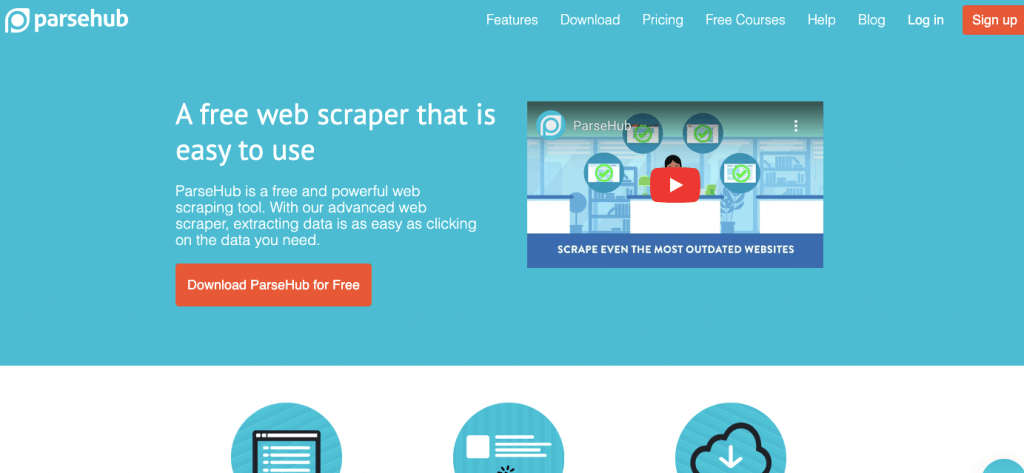
ParseHub is a powerful and free no-coding web scraping tool that allows you to literally turn any website into a spreadsheet or API. This tool comes with a user-friendly interface, where data extraction is as simple as clicking on the specific data elements you want to scrape.
ParseHub provides an efficient way to gather data from websites such as Twitter, Facebook, and other social platforms. It then converts it into a structured format for further analysis or integration into other applications. Learn more about ParseHub and how to use it, in our Parseub Review.
b. Octoparse
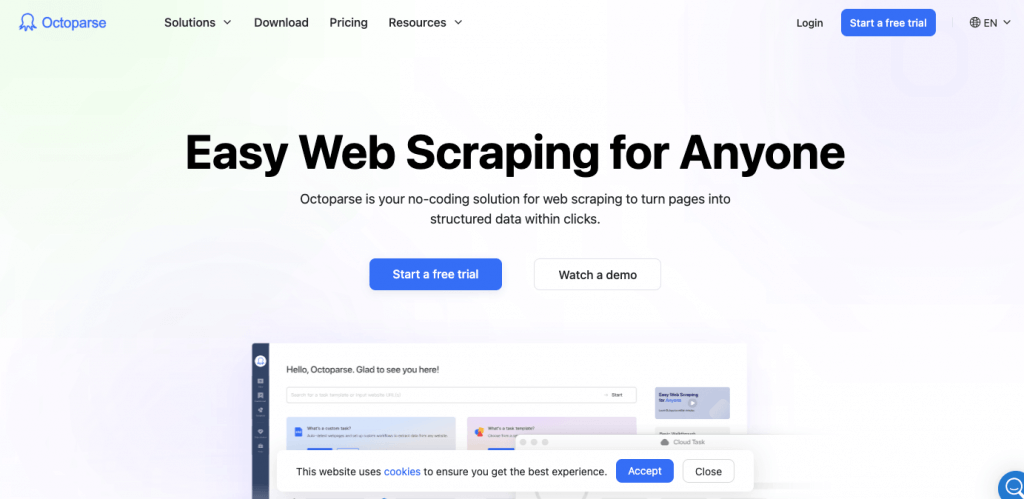
Octoparse is another no-code web scraping and data extraction tool. It offers a simple point-and-click interface, making it easy for users to extract data from various websites without any programming knowledge.
Octoparse can handle data extraction from any type of website and includes automatic IP rotation to prevent IP blocking. It can integrate with rotating IPv4 proxies seamlessly to allow this IP rotation. Additionally, with Octoparse’s user-friendly interface, users can easily build web crawlers to scrape data efficiently and effectively.
c. Apify
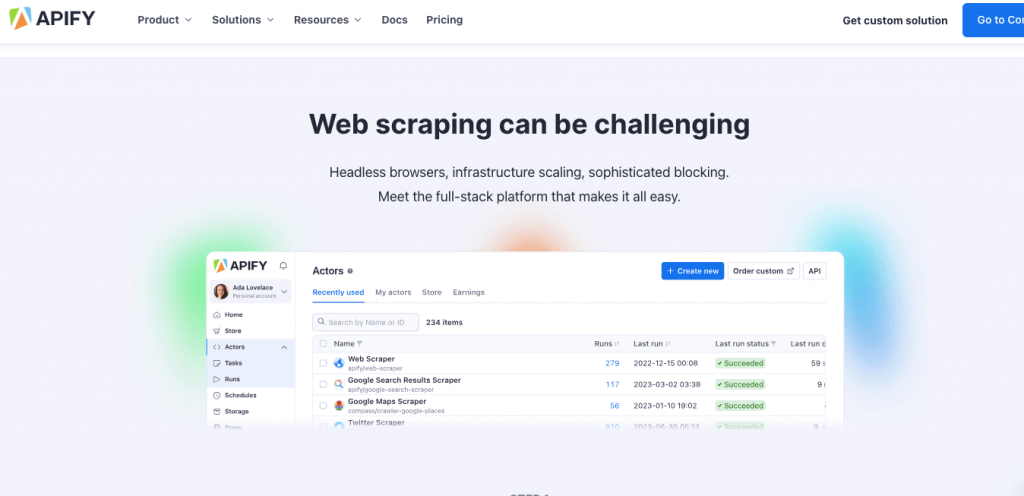
Apify offers web scraping, data extraction, and Robotic Process Automation (RPA) solutions. It serves as a one-stop solution for automating tasks that would otherwise be performed manually in a web browser.
With Apify, you can easily extract data from websites (including Facebook or Twitter), collect valuable information, and even automate repetitive processes efficiently. Apify provides a powerful set of tools to streamline tasks and enhance productivity.
d. Scrapy
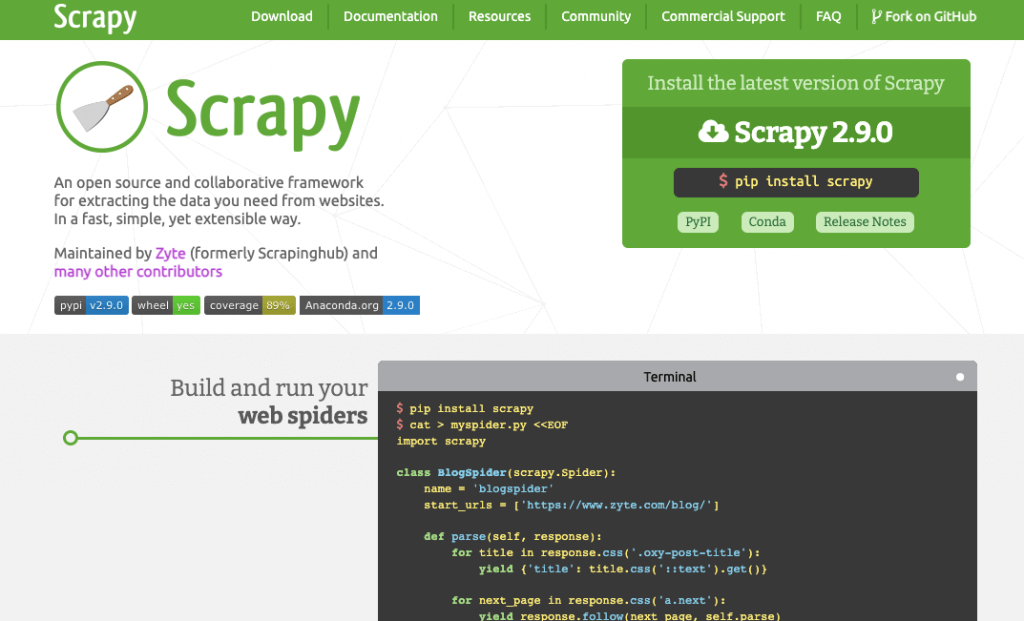
Scrapy is an open-source and collaborative framework designed for web scraping and web crawling. It allows you to extract the necessary data from websites in a fast, simple, and highly extensible manner.
As a powerful tool, Scrapy allows developers and data analysts to efficiently gather information from various websites. Such capabilities make Scrapy valuable for tasks such as data mining, research, and data-driven applications.
| 🕷️ Scrapy’s Limitation Alert: While Scrapy is a powerful open-source framework, it’s best for static or semi-structured sites. For JavaScript-heavy platforms like Facebook or X, you’ll need to pair it with tools like Playwright, Selenium, or Splash to handle dynamic content. For real-time UIs, go with tools that natively support headless browsers. |
e. PhantomBuster
Best for: Facebook and X (Twitter) automation & scraping workflows
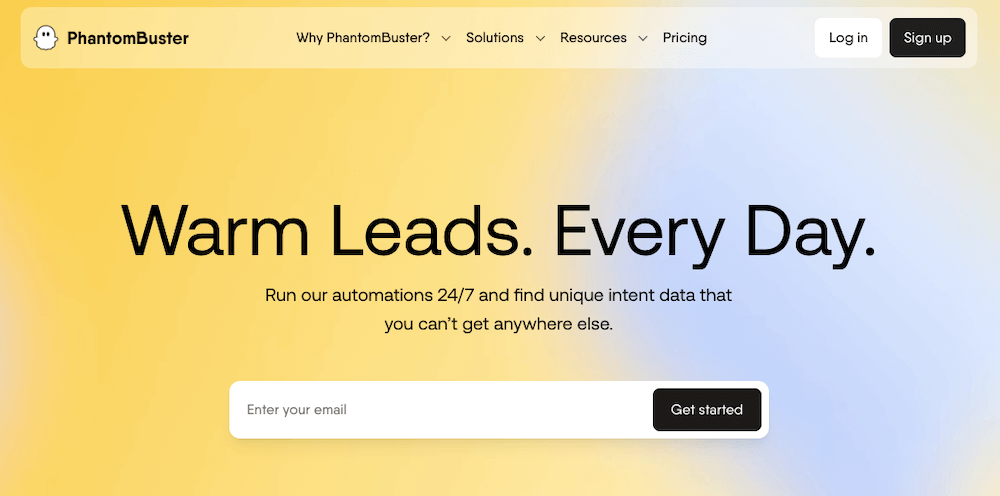
PhantomBuster is a powerful cloud-based real-time sales prospecting platform. It does scraping and automation and is designed for non-coders and growth marketers. It offers dozens of pre-built “Phantoms” (automations), including scrapers for Facebook posts, X profiles, group members, event attendees, and much more.
🔒 Note: Make sure to use PhantomBuster with session cookies and not to scrape private data without permission. Pairing with proxies (like rotating ones) helps reduce risk of being blocked.
f. WebAutomation.io
Best for: Turnkey scraping with prebuilt social media templates
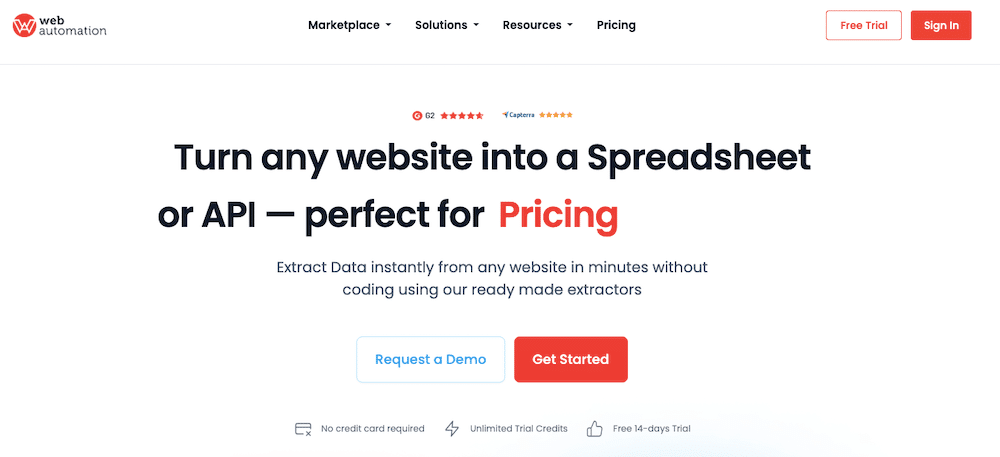
WebAutomation.io offers ready-to-use scrapers (called “bots”) for Facebook pages or public X (Twitter) timelines. It’s no-code and supports data exports in multiple formats (CSV, JSON, API endpoint).
Its Facebook scrapers can gather posts, likes, shares, and comments from public pages or groups. WebAutomation.io also includes scheduling, notifications, and integrations with Google Sheets and Airtable. So, it is an excellent choice for agencies or research teams.
g.Snscrape

Snscrape is a lightweight Python-based tool for scraping public data from social media platforms like Twitter (now X), Reddit, Facebook, and Instagram. Snscrape requires no API access and no login, So, it is ideal for researchers or developers looking to collect tweets, profiles, hashtags, or threads quickly and flexibly.
It’s ideal for automating social media scraping workflows, but also for collecting public discourse data. With just a few lines of code, you can extract structured data for further analysis or integration into data pipelines.
Learn how to run Snscrape with proxies in our full Snscrape Guide.
5. Best Practices for Twitter and Facebook Scraping
In this section, we will go through the best ethical, legal, and technical practices for Facebook and Twitter scraping. Use this collection of best practices as a kind of checklist. Remember, although web scraping is not illegal, how you do it and what data you scrape can make all the difference.
a. Comply with the site’s TOS and with other laws and regulations.
Ensure that your data scraping activities adhere to Twitter’s or Facebook’s Terms of Service (ToS). Always avoid scraping data without permission (as it may be unethical and illegal). Also, respect data protection laws and regulations, such as the GDPR or CCPA, when collecting data from these social platforms.
b. Use the official APIs.
Using APIs ensure that you are collecting data in a way that is authorized by Facebook or Twitter. With APIs, you are complying with their terms of service. The APIs may have rate limits and usage restrictions, so make sure to review the API documentation and stick to the usage guidelines. If your web scraping project can’t get data from such APIs, ensure you are complying with the site’s ToS and with other laws.
c. Respect Rate Limits
If you are using Facebook or Twitter APIs or making requests to their servers via other means (web scraping services, bots), respect the rate limits imposed by both social media platforms. Exceeding the rate limits suggested by these sites can make your API access temporarily or permanently suspended. If you are not using APIs, but still bypassing these limitations, the social media platform will use its rate-limiting mechanisms to stop your incoming network traffic.
d. Respect Robots.txt
Pay attention to the website’s “robots.txt” file. This file provides instructions to web crawlers (or automated agents) about how they should access and interact with the website’s content. If a website asks crawlers not to access certain pages, then don’t access (or scrape) those pages.
e. Use IPv6 proxies
When scraping data from Twitter or Facebook (through any method), it is always recommended to use rotating proxies (IPv4 Proxies). Proxies can help prevent IP blocking, keep anonymity and privacy, bypass geographical restrictions, scrape at scale, and overall avoid any suspicion. With Proxies, you can easily bypass rate limitations (intentionally or unintentionally), so it is always advisable to regulate your proxy’s generated traffic to not bypass those restrictions.
f. Process scraped data
After scraping, process the text data to analyze it further. You can use Natural Language Processing (NLP) tools or manually process the data using programming languages like Python.
g. Authenticate Properly
If the data you want to access requires user authentication (for example, private user data), ensure that you have proper user consent and follow Facebook’s and Twitter’s authentication guidelines. Avoid accessing private or sensitive data without explicit permission from the users.
h. Do not scrape unauthorized data or sensitive information.
Avoid scraping data from private groups, pages, or profiles without proper authorization. Only collect data from public sources or groups where the data is intended to be publicly accessible. For instance, when scraping Twitter, you can typically collect various fields such as content, date, favorite count, handle, hashtag, name, replies, retweets, and URL. When scraping Facebook, you can collect relevant data fields such as pages, ads, events, profiles, hashtags, and posts. Always, respect the privacy of users and do not scrape sensitive information.
i. Bypass anti-bot systems: Tools for stealthy scraping
Modern platforms like Facebook and X (Twitter) use advanced anti-bot systems, making CAPTCHA solvers like 2Captcha or CapSolver essential for bypassing reCAPTCHAs. Headless browsers such as Playwright help render JavaScript-heavy pages and mimic real user behavior. To avoid detection, scrapers should also use fingerprinting evasion techniques—like rotating user-agents and modifying request headers. These tools and tactics greatly reduce the chances of being blocked or flagged.
6. Final Words
Twitter and Facebook are goldmines for data. Their data can help shape entire industries, marketing, research, and business moves.
But if you’re scraping, play it smart—respect user privacy and follow the platform rules. Using APIs and best practices makes your work smoother and keeps things ethical.
Bottom line: just because you can scrape doesn’t mean you shouldn’t do it right.
Blend In Like a Local 🧢
Use rotating residential IPs to mimic everyday browsing—no red flags, no stress.
Blend your traffic
0Comments